Welcome email for a new personal training client.
The first email a coach sends a new client sets the tone for everything after it. Fill in your details, pick a professional or friendly tone, and copy a complete, warm welcome email - subject line and body - in one click. Free, no sign-up, and yours to reuse with every new client.
Welcoming new clients every month? Let the Coachway app send your welcome automatically - 14-day free trial.
build your welcome email
live preview
Subject
after the copy
If a document like this goes out to every client, the rebuilding is the part worth retiring: in Coachway, forms, programs and meal plans live in the client app - sent, filled in and stored per client, no printer involved.
see inside Coachwaybeyond copy and paste
Sending this welcome to every new client?
Write it once as an onboarding automation in Coachway and it lands in the client's chat on the day they are activated. Add a short welcome video, a voice message or your intro guide as a document, and set later steps for day 3 or day 7, so every new client gets the same start without you pasting anything.
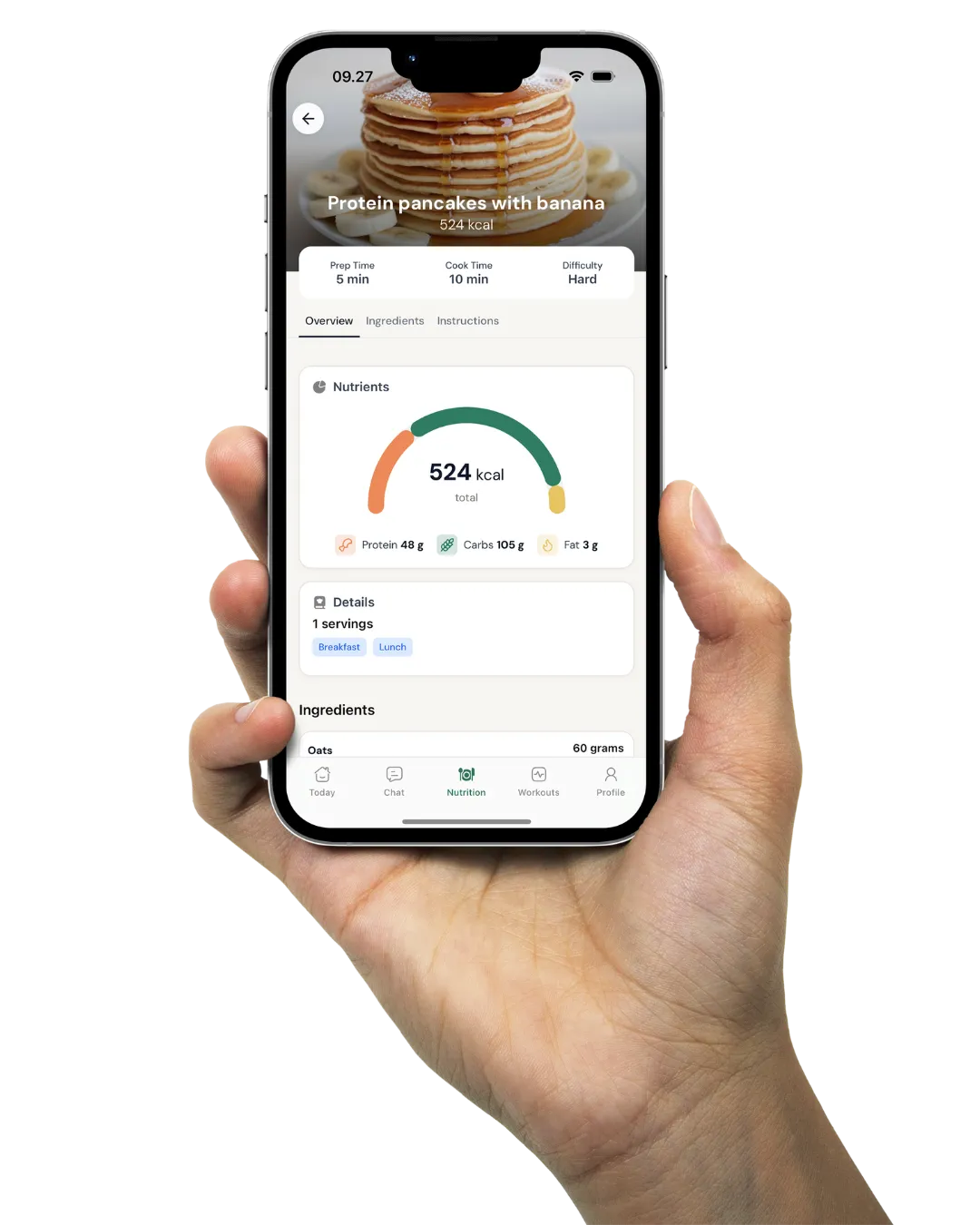
Your client reads it in the Coachway app on iOS or Android, in their own choice of six languages.
the short answer
A welcome email is the first message a personal trainer sends a new client right after they sign up. Its job is not to sell - the client already bought - it is to make a good decision feel like the right one. A strong welcome email does four things: it welcomes the client warmly and by name, tells them exactly what happens next, shows them how to reach you, and gives one or two small things to do before the first session. Fill in the fields above, pick a tone, and copy a complete email in one click.
Why the first email carries so much weight.
A new client is never more certain they made the right call, or more quietly nervous they did not, than the hour after they pay. The welcome email is the first thing that answers the question sitting in the back of their mind: what have I signed up for, and is this person organised? Sent within a few hours, a clear, warm email settles that instantly. Left for two days, silence does the opposite - it lets doubt fill the gap, and doubt in the first week is where early cancellations start.
The email is also where you set the tone for how you will work together. Whether you reply quickly, whether questions are welcome, whether there is a real person on the other end - the client reads all of that from the first message, long before the first session. Get it right and you have earned goodwill for the whole of onboarding. Get it wrong, or skip it, and you spend the first weeks climbing out of a shaky start.
What a good welcome email actually does.
Keep it to four jobs. First, welcome them by name and make it personal - this is the start of a relationship, not a receipt. Second, tell them what happens next in plain steps: their plan is being built, where it will live, and when the first session is, so nothing is left to guess. Third, make it obvious how to reach you - reply to this email, message in the app - and say that small questions are welcome, because the clients who go quiet are often the ones who did not want to bother you. Fourth, give one or two small pre-session tasks, such as finishing the intake form and readiness screen and having water and comfortable clothes ready, so the client turns up prepared and feels part of it.
Just as important is what to leave out. A welcome email is not the place to promise a result or make any claim about what the training will do for someone's body or health - keep it about the process, the plan and how you will work together. Keep it short enough to read on a phone, warm enough to sound like you, and free of jargon. One clear email beats three paragraphs nobody finishes. The welcome is the first of five; the day 1, 3, 7 and 14 emails that follow it, with a prompt for each, are in AI prompts for onboarding emails.
From blank fields to a ready-to-send email.
Add your name, your business, the client's first name, the first session date and the app or platform you coach in. The preview builds a complete email as you type - subject line and body - and updates live. Switch between a professional and a friendly tone to match your voice, then hit Copy email and paste it straight into your email client, ready to send. Nothing is stored on our side; the text stays in your browser.
The welcome email is one step in a bigger flow. Pair it with a client onboarding checklist so the email is one ticked box in a repeatable start rather than a message you hope you remembered to send, and read what client onboarding in coaching involves for the whole sequence from paid to properly started.
Rewrite the generated email in your voice with ChatGPT
Paste the generator's email and three messages you wrote yourself and the model rewrites it in your voice with every fact kept; the method behind the voice sample is in how to train ChatGPT on your coaching voice, and the four emails that follow the welcome are in AI prompts for onboarding emails.
Rewrite the generated email in your voice with ChatGPT
When to use it: Once, after the generator gives you the draft, so every future welcome starts in your voice.
What to paste in: The generated email and three of your own messages.
Below is the welcome email this generator produced, and three messages I wrote myself. Rewrite the welcome email in my voice: keep every fact (names, dates, the next step) exactly as given, copy my sentence length, my openers and my sign-off from the samples, remove any phrase I would not use, and keep it under 160 words. No exclamation marks unless my samples have them, no "I hope this finds you well", no summary line. Output the email only.

GENERATED EMAIL:
[PASTE THE GENERATOR OUTPUT]

MY SAMPLES:
[PASTE THREE MESSAGES YOU WROTE]
Writing the email is easy. Never forgetting it is the hard part.
Copying a good welcome email takes a minute. Remembering to send it - every client, every time, alongside the program, the app invite and the first check-in - is where a busy coach slips. That is the part a template alone cannot fix: not the words, but keeping the welcome joined up with everything else that has to happen in the first week.
Inside Coachway, the welcome message sits in the same client tab as their onboarding, intake answers, program, check-ins and messages, so the first email is part of one joined-up start rather than a note you hope you sent. Coachway starts at EUR 69 per month for up to 5 clients, then EUR 9 per additional client, with every feature included and a 14-day free trial (card required). The template on this page stays free to use whether or not you ever use the platform.
Frequently asked questions.
What should a welcome email to a new personal training client include?
Keep it to four jobs. Welcome the client warmly and by name, so it reads like the start of a relationship rather than a receipt. Tell them exactly what happens next in plain steps: their plan is being built, where it will live, and when the first session is. Make it obvious how to reach you, and say small questions are welcome. And give one or two small things to do before the first session, such as finishing the intake form and readiness screen and having water and comfortable clothes ready. Leave out anything that promises a result - a welcome email is about the process and how you will work together, not claims about what training will do.
When should I send the welcome email?
As soon as you reasonably can after the client signs up, ideally within a few hours and before the first session. A new client is never more certain they made the right call, or more quietly nervous they did not, than the hour after they pay, and a clear, warm email settles that straight away. Left for a day or two, silence does the opposite and lets doubt fill the gap. If you cannot send a full email immediately, a short holding note that says welcome and promises the details shortly is better than nothing.
How long should a client welcome email be?
Short enough to read comfortably on a phone. A few tight paragraphs is plenty: a warm hello, what happens next, how to reach you, and a couple of small pre-session tasks. The temptation is to pack everything into the first message, but a long welcome email is one nobody finishes, and the important lines get lost. Say the essentials clearly, keep the tone like you, and leave the detail for the program, the app and the first session.
Should I automate the welcome email or write it personally?
A template gives you the structure so nothing important is missed; a personal touch is what makes it land. The best approach is usually both: start from a consistent template so every client gets a clear, complete welcome, then fill in the real details - their first name, the session date, the platform - so it reads like it was written for them, because the specifics were. Automating the send so it never gets forgotten is fine, as long as the wording still sounds like a real person the client can reply to.
Can ChatGPT rewrite the welcome email in my voice?
Yes: paste the generator's draft with three messages you wrote yourself and it copies your sentence length, openers and sign-off while keeping every fact as given. The prompt on this page bans the phrases that make an email read as AI and caps it at 160 words; the coaching voice guide explains how to build a reusable voice card so you only do this once.
This welcome email is a starter template you can reuse and reword. It is written to introduce your coaching and the practical next steps, not to promise a result - keep any claims about outcomes out of the first email.
Keep building your onboarding: put this email inside a client onboarding checklist, read what client onboarding in coaching involves, and browse the full templates library.
Keep every client's welcome in one place
This template gets you a warm, ready-to-send welcome email. Coachway keeps it beside each client's onboarding, intake answers, program, check-ins and messages in a single tab - so the first email is part of a joined-up start, not a note you hope you remembered. Start the 14-day free trial and see the whole platform.