



Workout builder
Clients need consistency, not complexity. Build straightforward programs once, adjust per client, and save as reusable templates. Spend less time programming, more time on what matters to your business.
In short
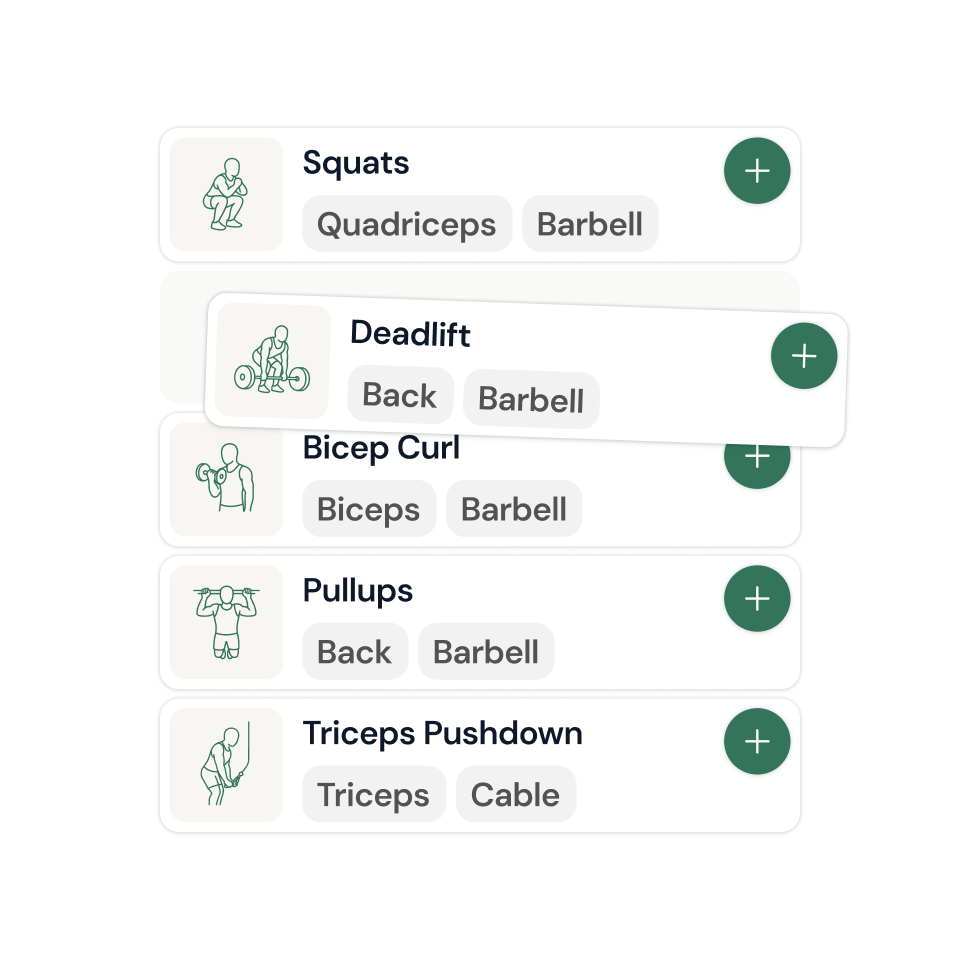
A workout builder lets coaches program client training with a video exercise library instead of typing spreadsheets. coachway's builder includes roughly 1,800-2,000 exercises with demonstration videos, supports reusable program templates, and delivers workouts to the client app, where sets, reps and weights are logged and flow back to the coach.
Build workout programs clients actually follow
Customize workouts per client, then save as reusable templates. Build programs clients can actually follow - not overcomplicated plans they abandon after week two. Personalization and simplicity is key.
Bring workouts to life with video and images
Make every program engaging and easy to follow by adding your own videos. Upload them directly or from links. Show correct form, demonstrate techniques, and keep clients motivated with visual guidance right inside their app.
Workout Editor
Finally, a workout builder that doesn't hold you back
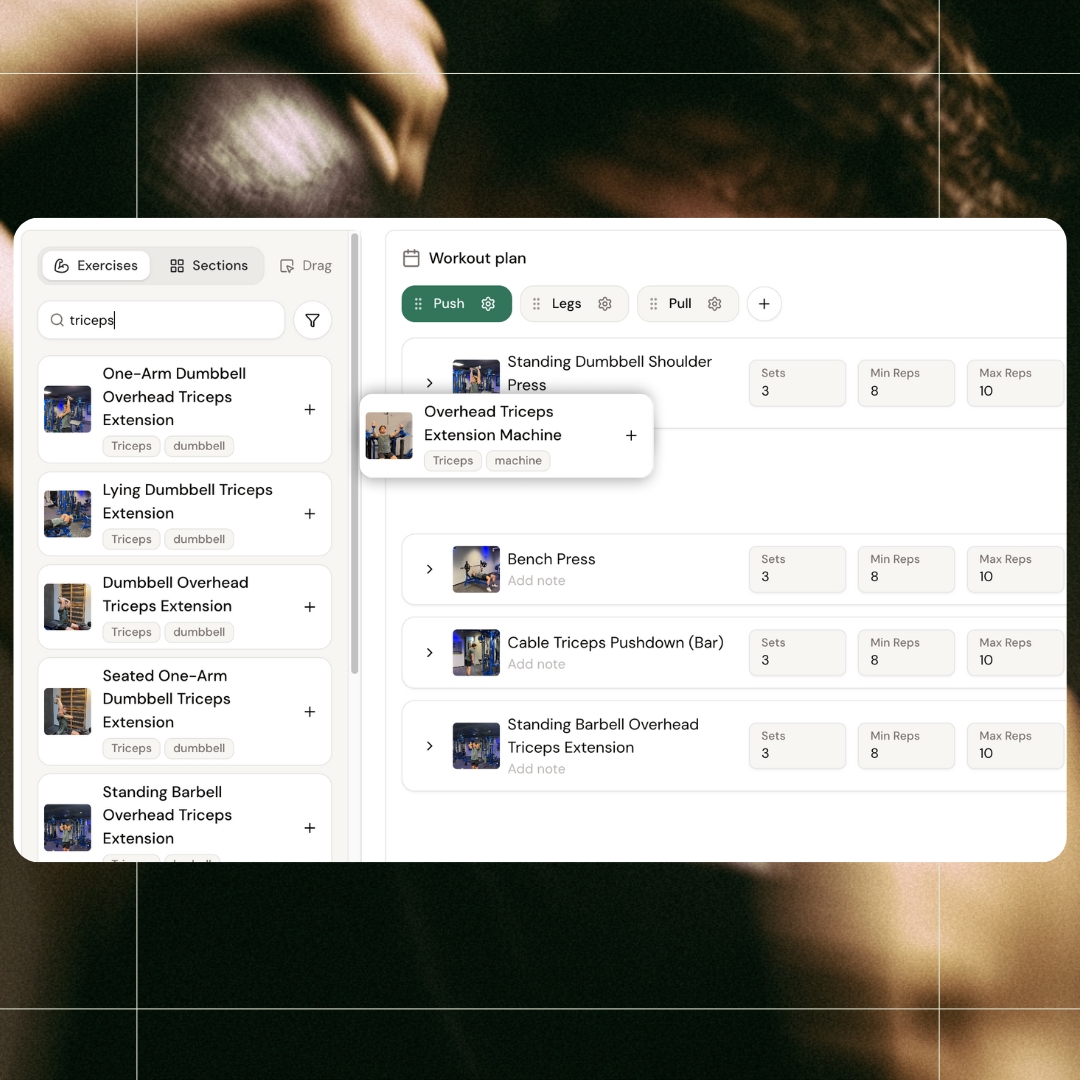
Stop forcing your programs into someone else's structure. Create custom sessions, add your own exercises or choose from 1,800+ with images and videos ready. Drag to organize, reorder on the fly, and keep full overview the whole time. A workout builder that bends to you, not the other way around. Scroll through the carousel to see all features.
Full Flexibility
Built for coaches who don't do "standard"
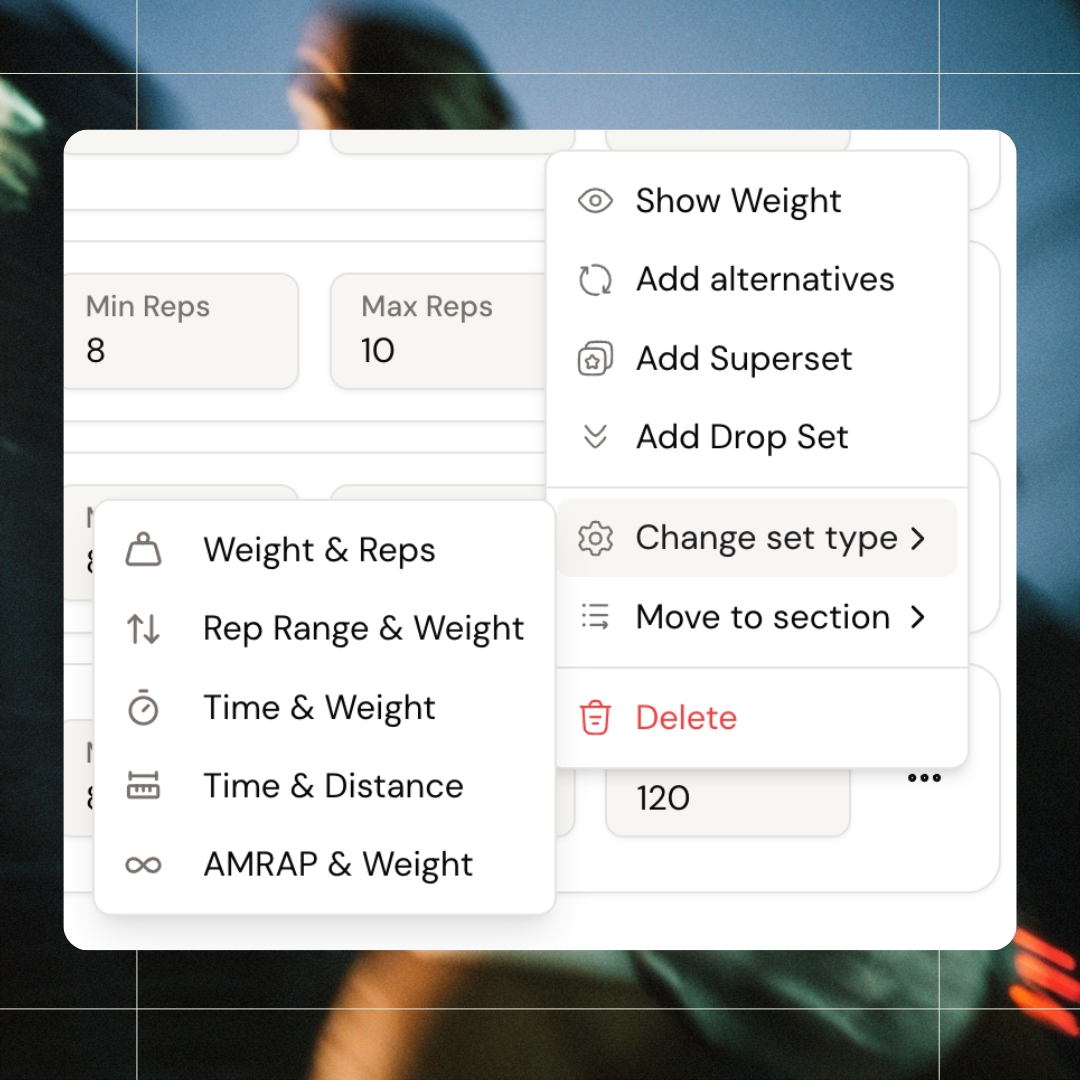
Change set type per exercise - or per individual set within an exercise. Want different rep ranges for the first two sets and the last two? Done. Add supersets, drop sets, AMRAP, time-based - whatever your programming needs. Show or hide weight depending on your approach - let clients log it themselves and follow progressive overload on their own, or specify it for them. Move any exercise to a different session with one click. The flexibility you've been working around is now built in.
Built-In Alternatives
Flexibility your clients will actually use
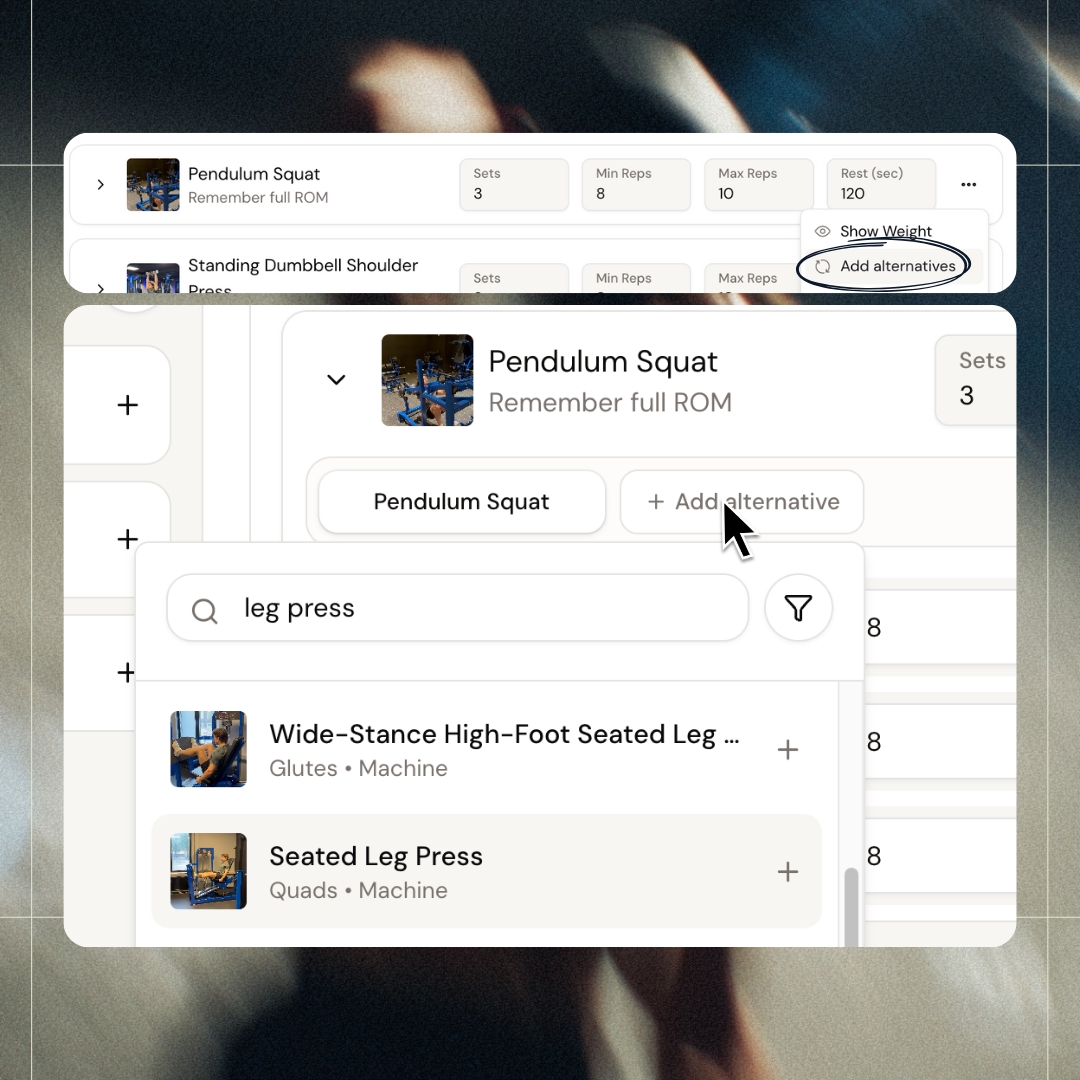
Your client trains at two gyms. Or wants a home workout option for busy days. Or that one machine is always taken at 4 PM. Instead of back-and-forth messages, add alternative exercises directly to the program. Clients swap in the app with one tap - you stay informed. Build templates with alternatives baked in from the start, so every new client gets flexible programming without extra work.
Session Templates
Save the bangers. Reuse them forever.
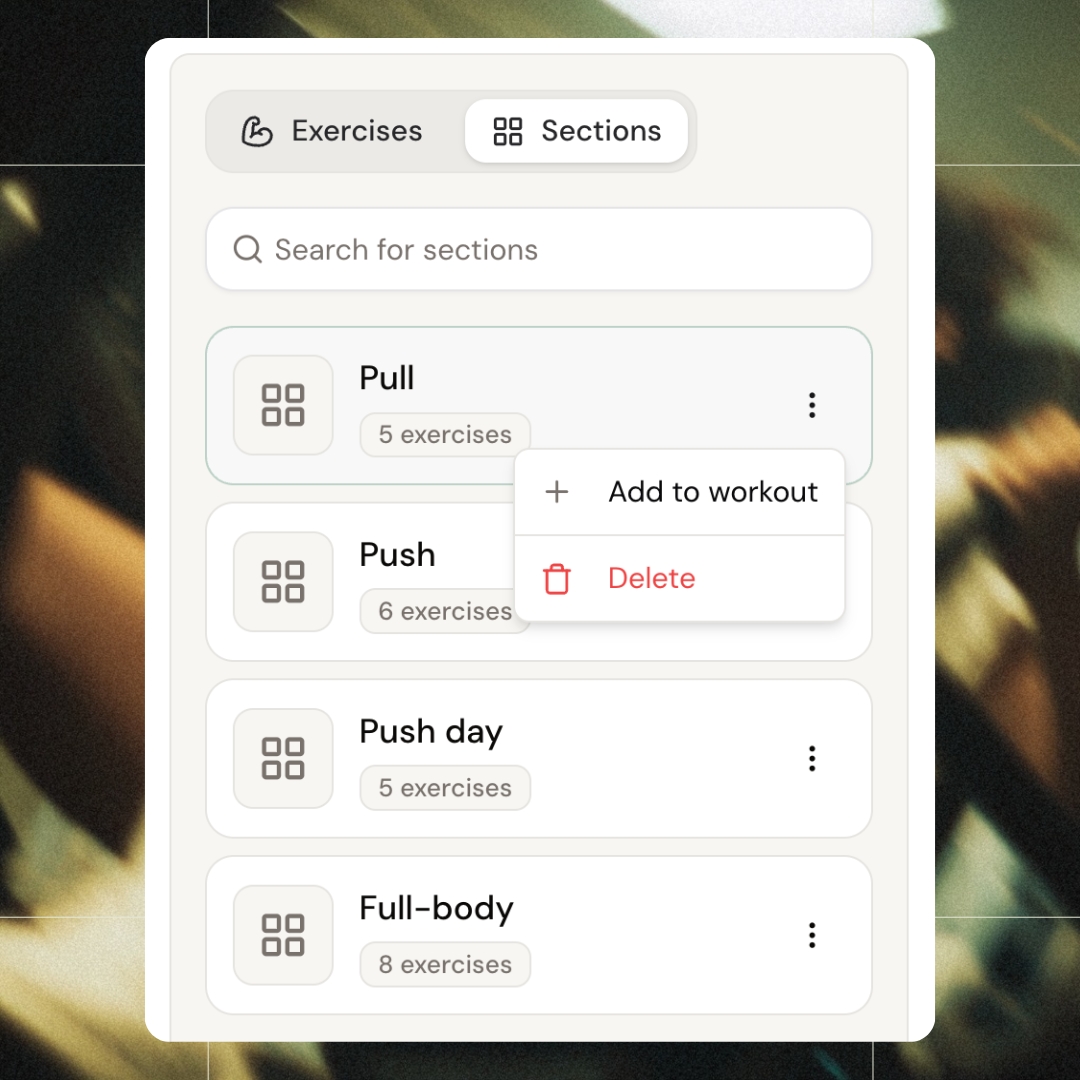
Made a KILLER running program? Or the absolute BEST leg day with juuust the right alternative exercises? Save it as a section - without saving the entire program. Next time you're building, search your sections and drag it straight in. Tweak if you want, or use it as is. Your best work, ready to reuse whenever you need it.
Exercise Search
Find the right exercise in seconds
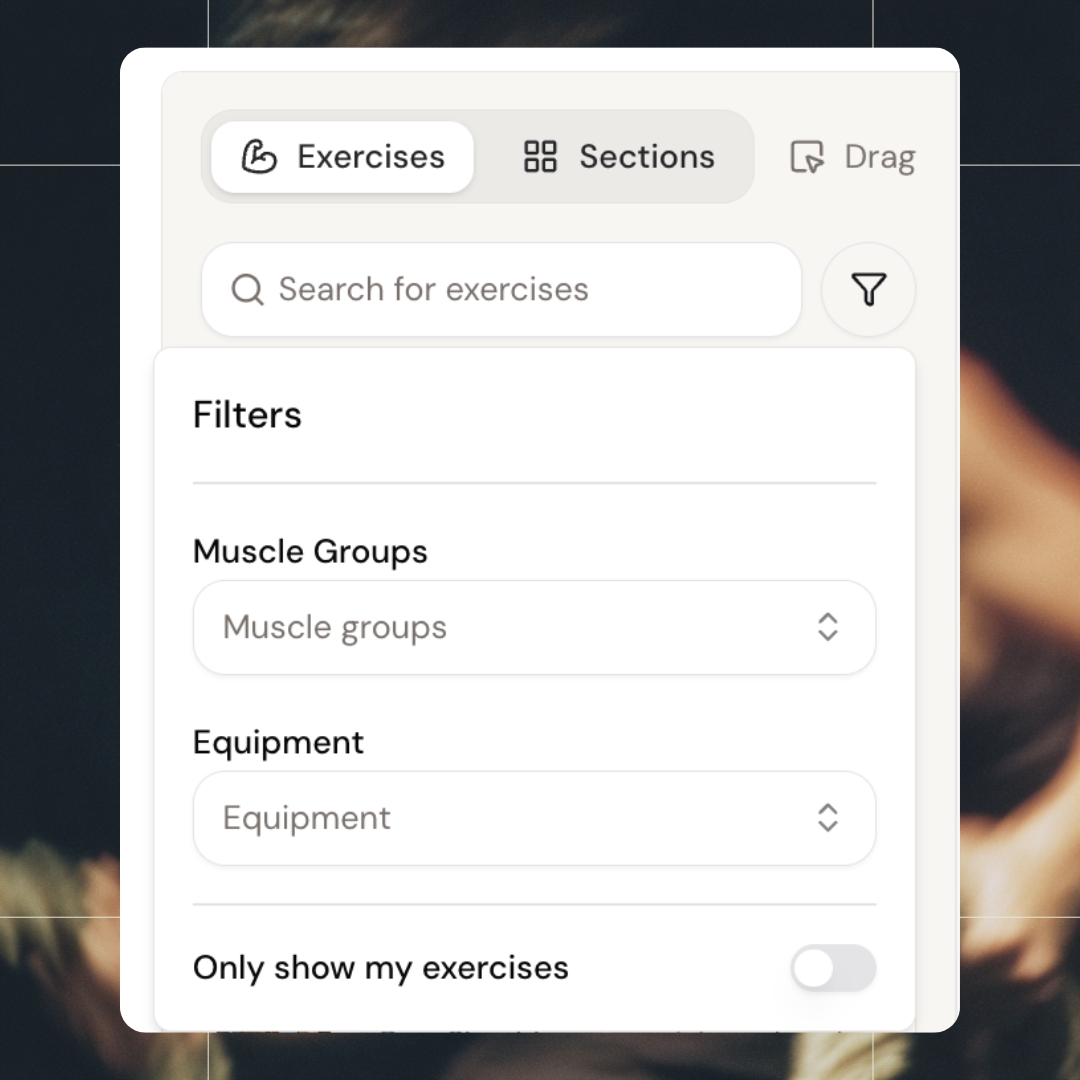
Filter by muscle group, equipment, or both. Need a glute exercise with dumbbells? Two clicks and you're there. Toggle to show only your own exercises when you want your custom library front and center. Search by name when you know exactly what you're looking for. Find what you need, drag it in, keep building.
Keep reading
- best workout builder software for online coaches
Programming primitives, exercise library quality, and what to test during a trial.
All features
See all featuresTrack your clients progress after each workout
Collect real-time feedback with built-in forms. Clients can rate intensity, effort, and overall satisfaction - giving you valuable insights to adjust programs and keep progress on track.
Workout plans scalable, without losing personalization
Save hours with ready-to-use templates and exercises, choose from 1,800+ pre-loaded exercises with video demonstrations, or upload your own.
Keep exploring
Explore more features
Client progress
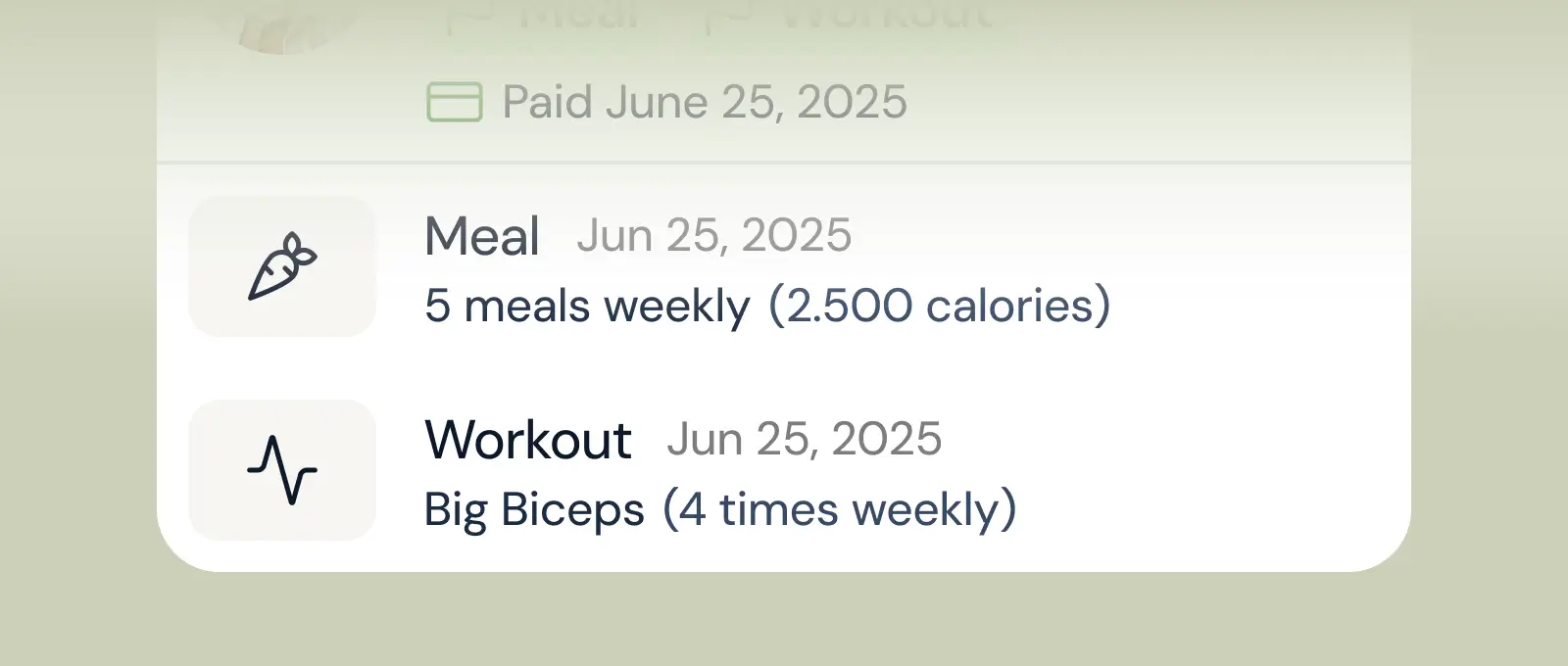
Track workouts, milestones, and personal bests with clear dashboards that show improvement over time.

Meal planner
Create tailored nutrition plans that align with client goals, complete with smart suggestions and easy adjustments.
Check-ins & forms
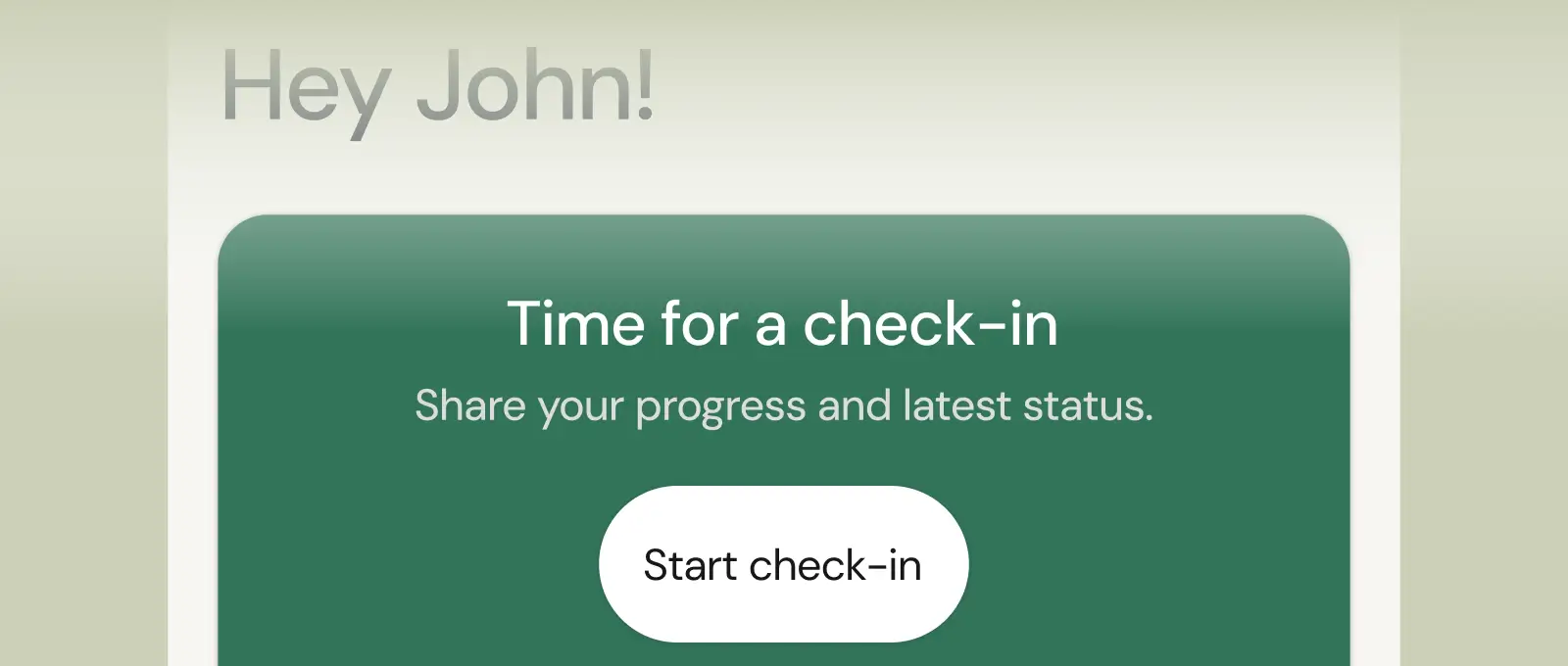
Collect feedback, assess readiness, and stay connected with customizable forms and quick check-ins.
Questions, answered
How many exercises are in coachway's library?
Roughly 1,800-2,000 exercises, each with a demonstration video so clients see correct form inside their app. You can also add your own custom exercises with your own videos when your method calls for something specific.
Can I reuse programs instead of building each client from scratch?
Yes - save any program as a template, assign it to a new client, then individualize the details. Most coaches keep a library of base templates per goal and adjust from there, cutting programming time from hours to minutes.
What do I see after a client trains?
Their logged session: sets, reps, weights and any notes, visible on their profile and feeding their progress history. Skipped sessions are visible too - so you spot a client drifting off-program in days, not at the monthly weigh-in.
How do I build and assign a workout program to a client in Coachway?
Open the client's profile, go to the Workouts tab and click Add Workout Program. Choose Create new to start from scratch, or Duplicate from template to customize an existing template. Build the sessions and click Save, then publish it from the three-dot menu to make it Live. The client sees a published program in their app immediately; drafts stay hidden from them.
How do I add supersets and alternative exercises to a workout?
Click the three-dot menu on an exercise and choose Add Superset; the next exercise you click or drag in is grouped with it, and you can mix weight, rep and time-based exercises in one superset. For swaps, choose Add alternatives and pick one or more exercises. In the app, the client taps the swap icon on that exercise once they have started the workout.
Is there a rest timer in the client's workout app?
Yes. Set the rest time in seconds on each exercise in the workout builder. During the workout the client sees that rest time between sets, taps the timer to start the countdown, and can adjust the time or add more time, which does not restart the timer. Afterwards you see the actual rest they took between sets on the workout overview, so you can spot rushed or long rests.
How do clients log their workouts in the app, and can they fix mistakes?
Clients open the Workout tab, start the session and log weight and reps for each set as they train, with a video demonstration available for every exercise mid-session. If they mistype a number, they open the completed workout from their history, tap the edit icon, correct it and save, so charts and personal records stay accurate. Completed workouts show on the client's Development page for you.
What is a workout pack and how do I share one with my clients?
A workout pack is a collection of workouts clients can browse and pick from, such as a travel or home-workout pack. Go to Library, then Workout packs, click Create collection and add a cover, title and description. Add sections and workouts from your templates or saved sections, set visibility to Private, Public or Segmented, then click Publish. A pack holds up to 200 workouts.
Do changes to a workout template update programs my clients already have?
No. Each client gets their own copy when you assign a program from a template, so template edits only affect future assignments. To change an existing client's program, open it on their profile, make the edit and click Publish to push it to their app. Workouts inside a workout pack are different: they stay linked to the template and update automatically.
Articles & guides
all guidesHow to Switch from Everfit: Exports and Stripe Checks
Leaving Everfit? Save workout and form PDFs, export payment reports, and check the difference between archives, client transfers and live billing.
Read the guideHow to Switch from Kahunas (2026): A Coach's Guide
Plan your move from Kahunas: confirm export formats, test a sample, check recurring billing and onboard clients in small groups.
Read the guideHow to Switch from TrueCoach: CSV, Workouts and Payments
Export TrueCoach client lists and workout text files, distinguish internal account transfers, and check Stripe billing before moving platforms.
Read the guideSee what Coachway can do for your coaching business
Coachway was built on knowledge from working with 150 online coaches over 6+ years, who all hit the same wall - slow platforms, clunky workflows, wasted hours. Start your 14-day free trial and see what we fixed - the whole platform, no charge today, cancel anytime under Billing.


Still reading? Start your own Coachway in minutes. Start in minutes.
Explore Coachway