



Check-in & Forms
Stop forcing clients through generic forms. Build your own onboarding flow, customize weekly check-ins, and collect the data that actually helps you coach better. Simple to set up, easy to adjust as your business grows.
In short
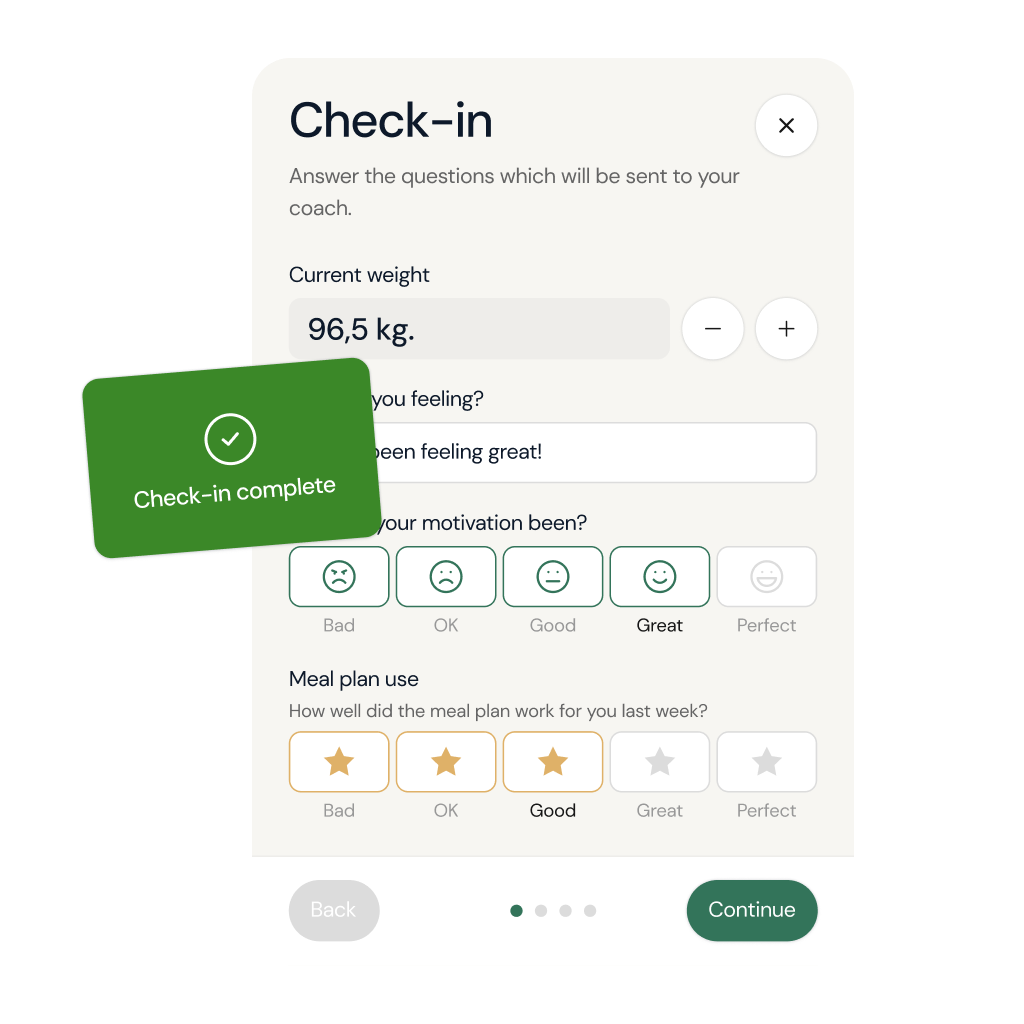
Check-in forms are structured weekly questionnaires - weight, photos, adherence, energy, wins and struggles - that replace vague "how's it going?" messages. coachway sends them to clients automatically on a schedule the coach sets, and every answer lands beside that client's training data, so review takes minutes instead of message archaeology.
Build smarter check-ins - one drag at a time
Not every client needs the same check-in. Build custom forms with the metrics that matter - from body measurements and progress photos to whatever else fits your coaching style. Add what you need, skip what you don't.
Ask clients anything, in any way you need
Add the questions that matter to your onboarding. Multiple choice for quick answers, number fields for tracking, text for open feedback - mix and match to build forms that give you exactly what you need to coach better.
Keep reading
- check-in software for online coaches
Custom forms, rating scales, progress photos and reminders, compared across platforms.
- how to run effective client check-ins
The cadence and the questions that actually change what a client does next week.
Customized standard fields
All the essentials, built in
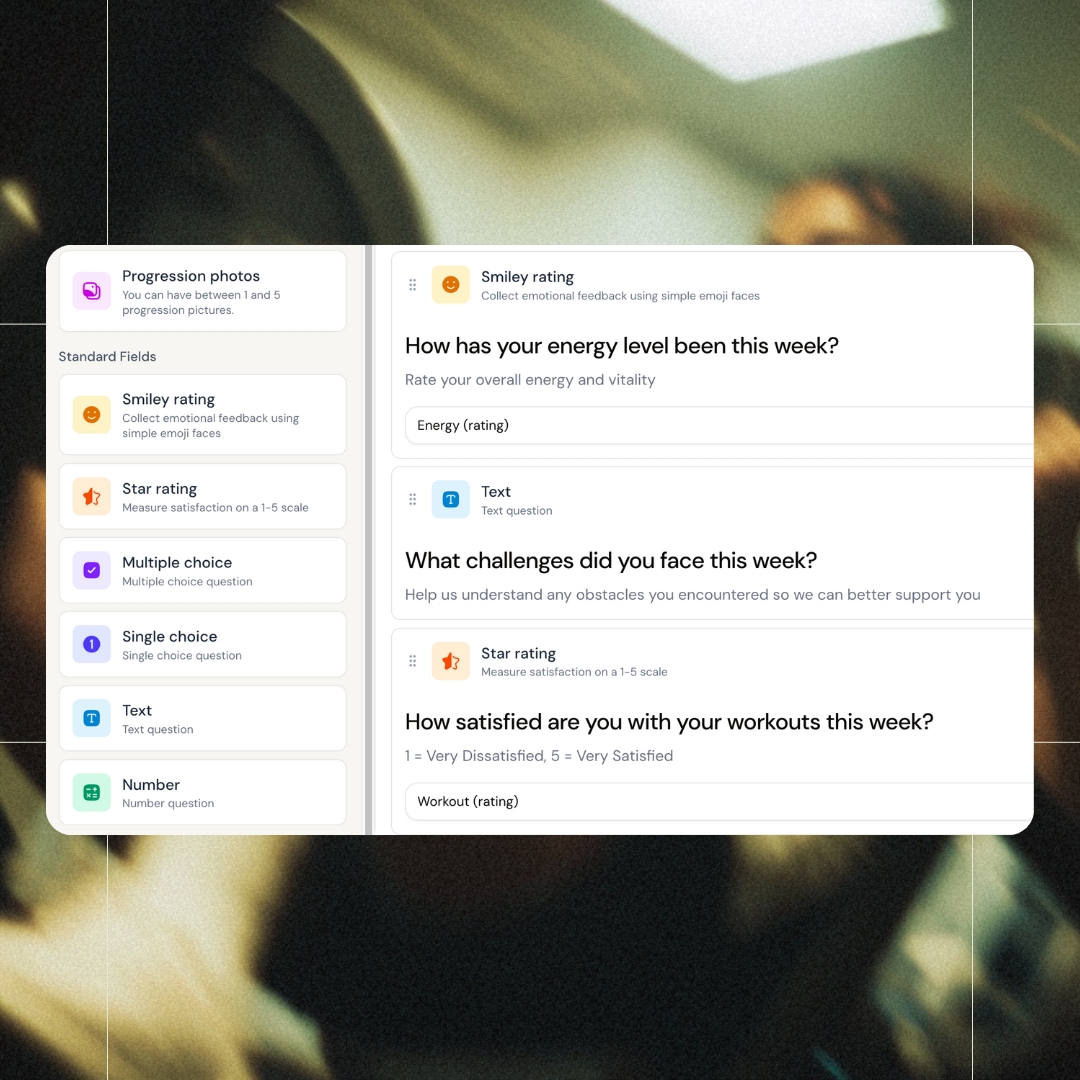
Smiley ratings, star ratings, multiple choice, text fields, numbers - all ready to use out of the box. Drag them into your form, tweak the questions, and you're live. No configuration headaches.
Customized smart fields
Every field a coach could need
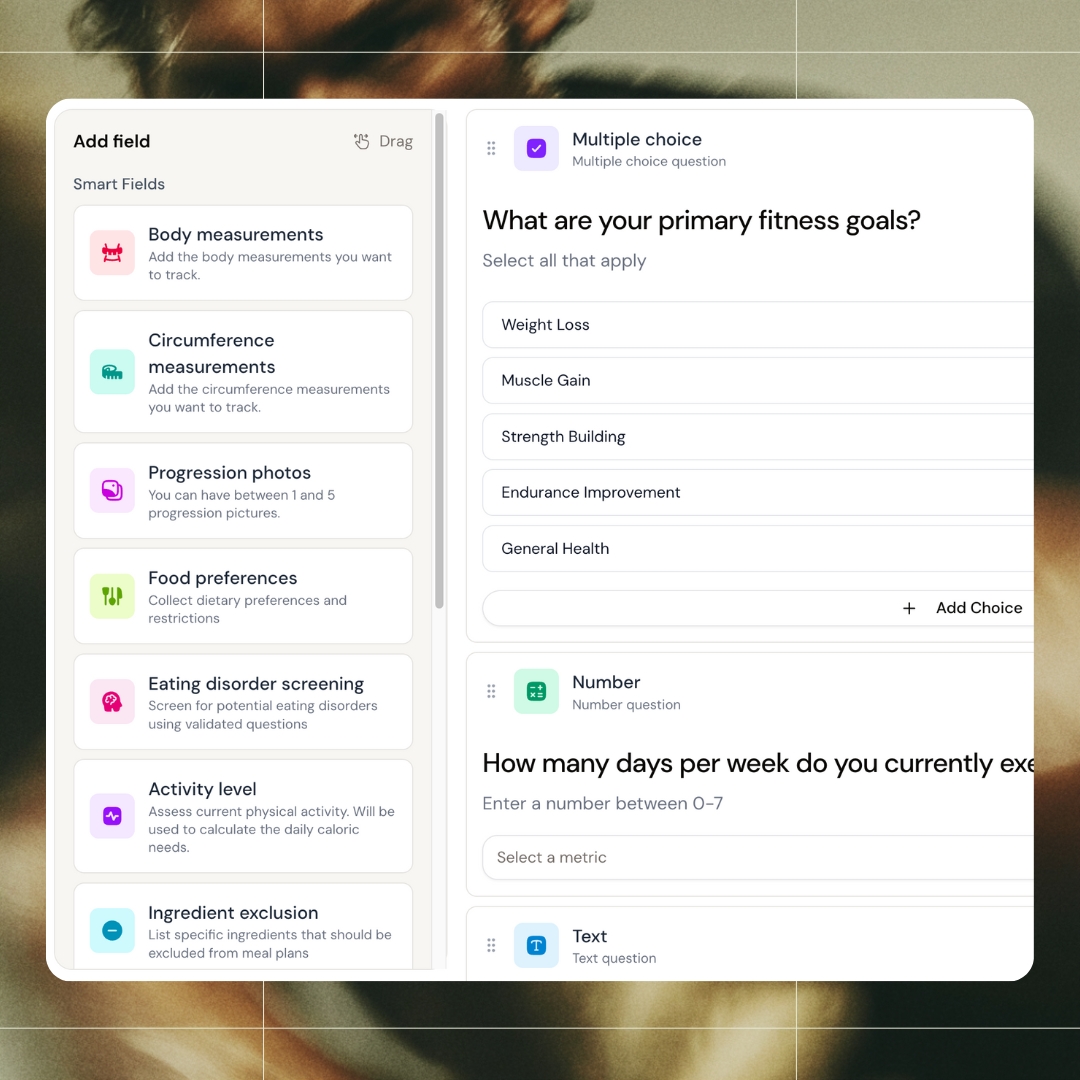
Stop building intake forms from scratch. We've already created the fields coaches actually use - circumference tracking, progression photos, dietary restrictions, activity level, and more. Just pick what you need and drag it in. Your onboarding flow, ready in minutes.
Custom metrics
Track anything you want
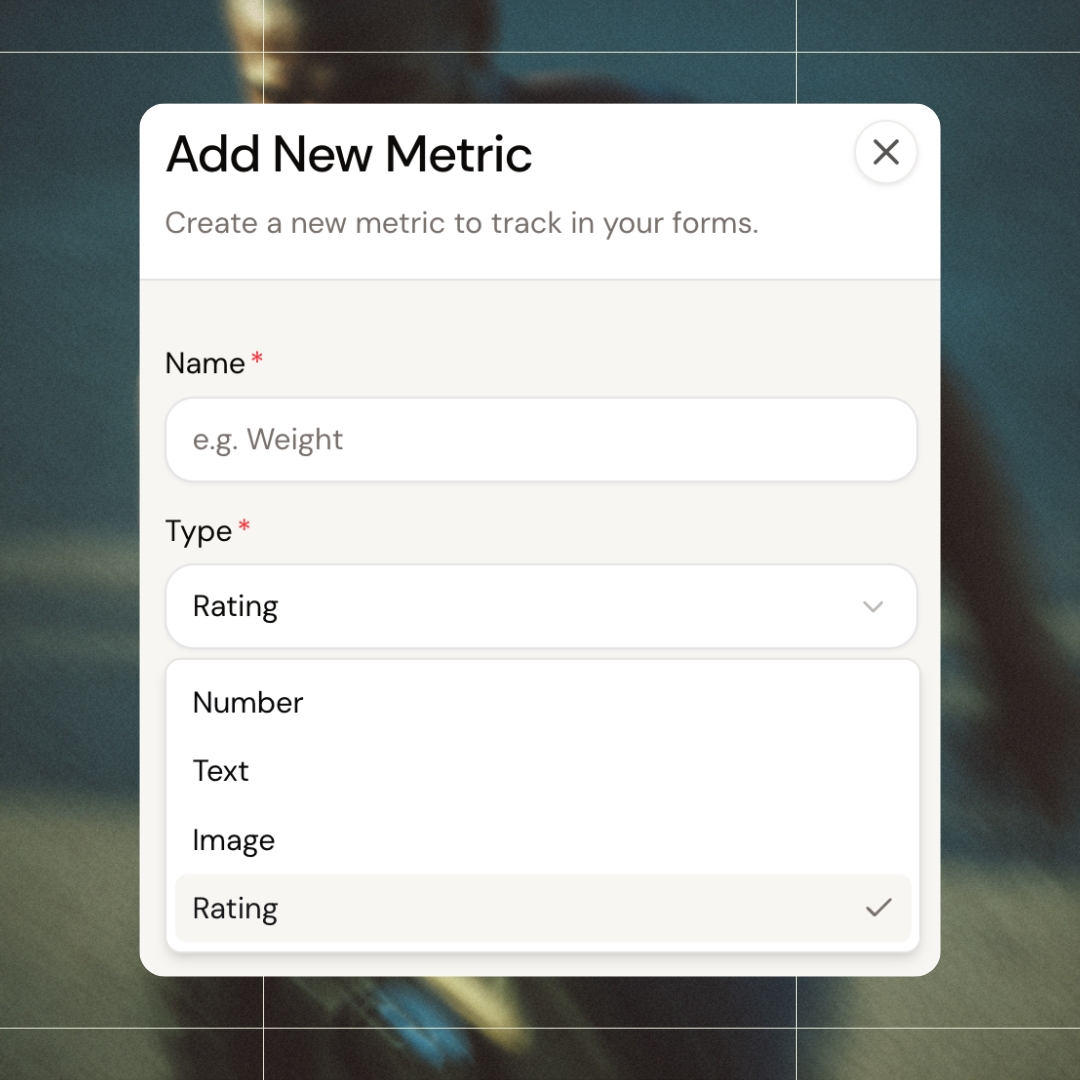
Create your own metrics for anything the standard fields don't cover. Numbers, text, images, ratings - name it, set the type and unit, done. Whether it's sleep quality, stress levels, or something unique to your method, you decide what to track.
Multi-language forms
Speak your client's language
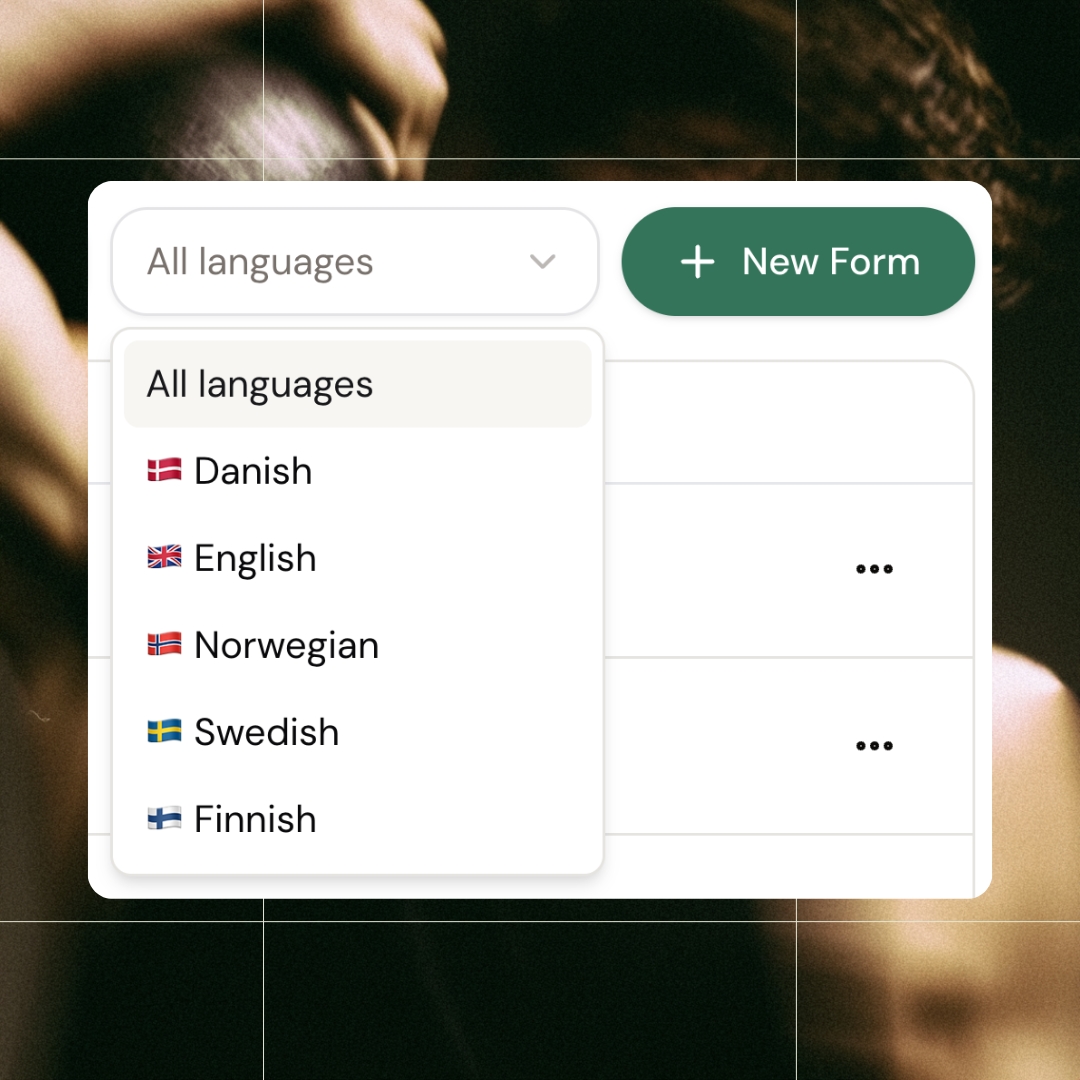
Switch between Danish, Norwegian, Swedish, Finnish, and English with a click. Run your coaching business across borders without language becoming a barrier. Every form, every field, fully translated.
All features
See all featuresYour metrics, your units, your way
Need to track something specific? Create it. Name your metric, choose the type, set the unit, and it's ready to use. No limits on what you can measure - if it matters to your clients, you can track it.
Keep exploring
Explore more features
Client progress
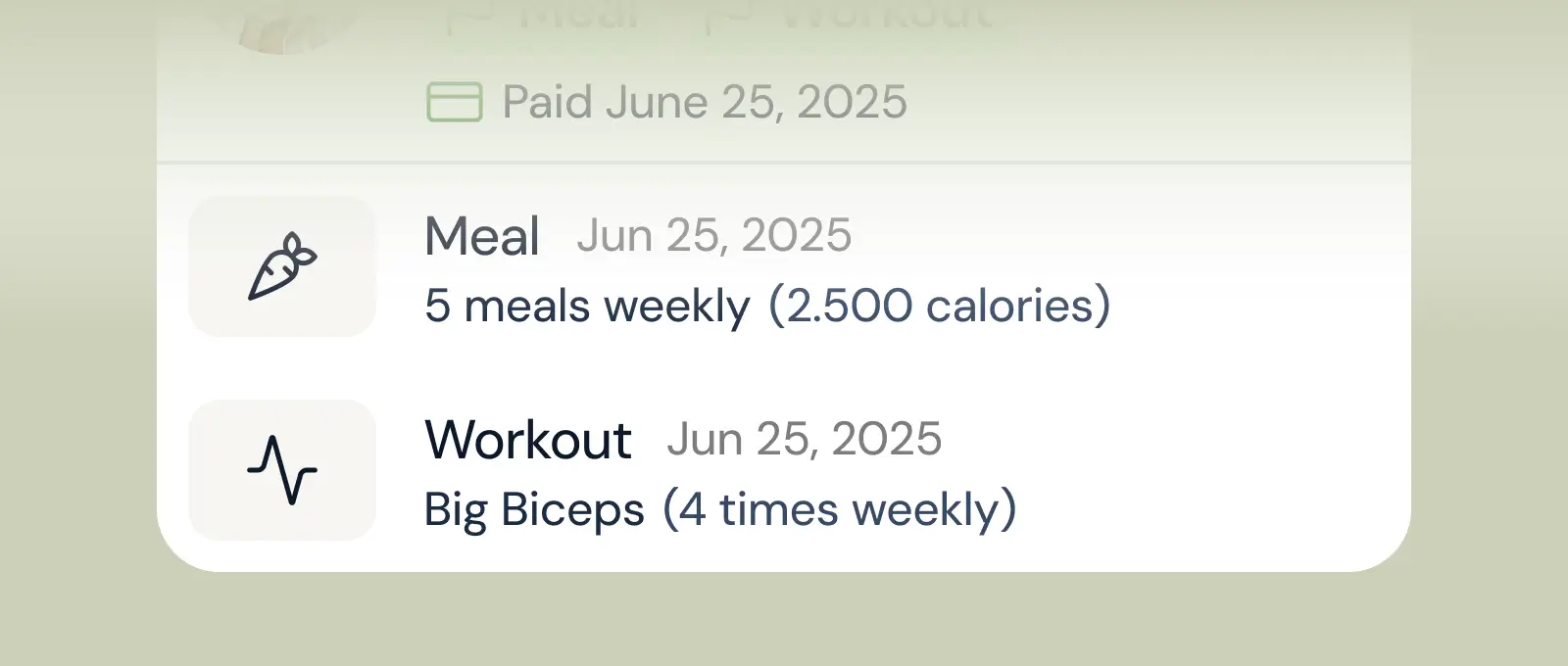
Track workouts, milestones, and personal bests with clear dashboards that show improvement over time.

Meal planner
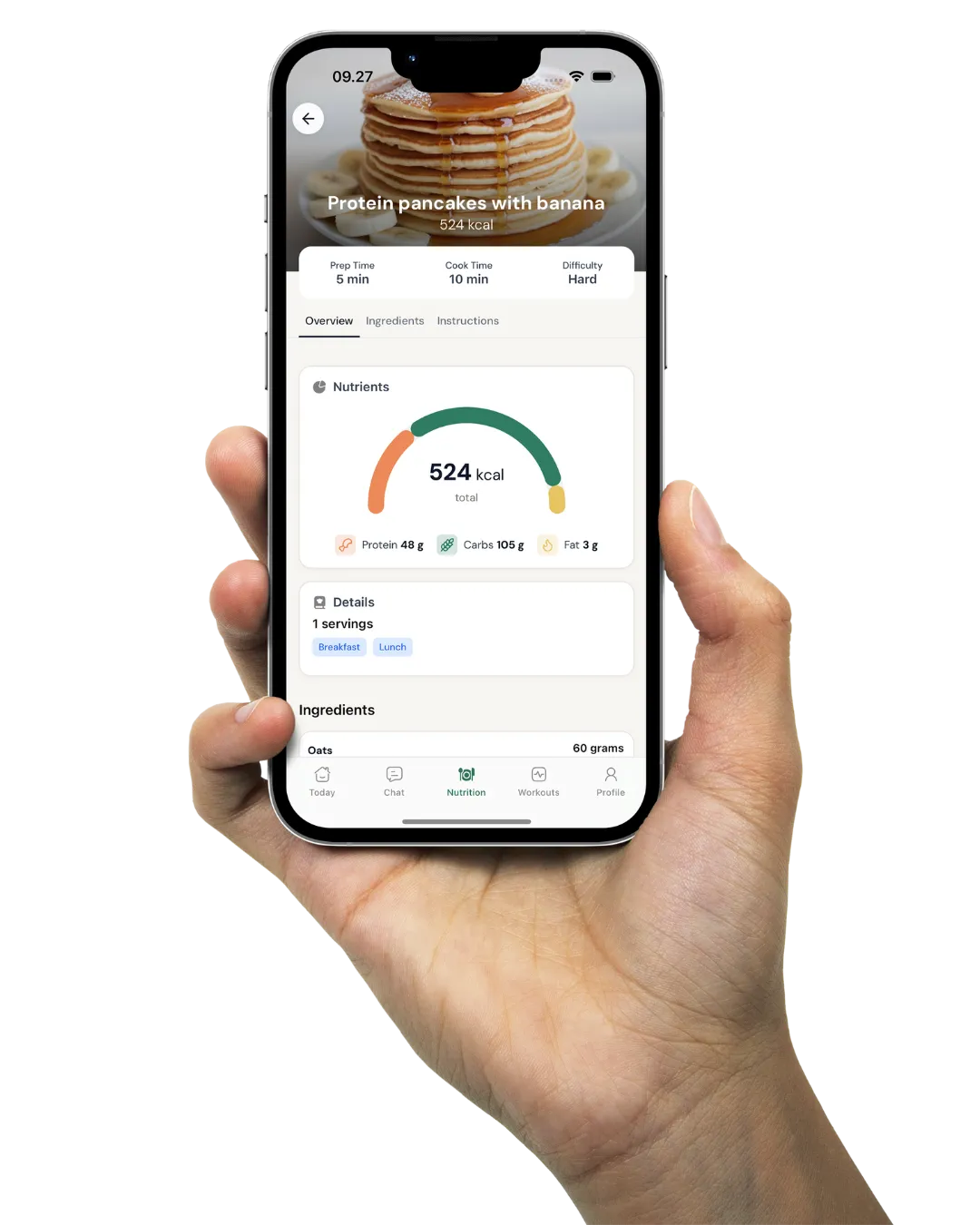
Create tailored nutrition plans that align with client goals, complete with smart suggestions and easy adjustments.
Check-ins & forms
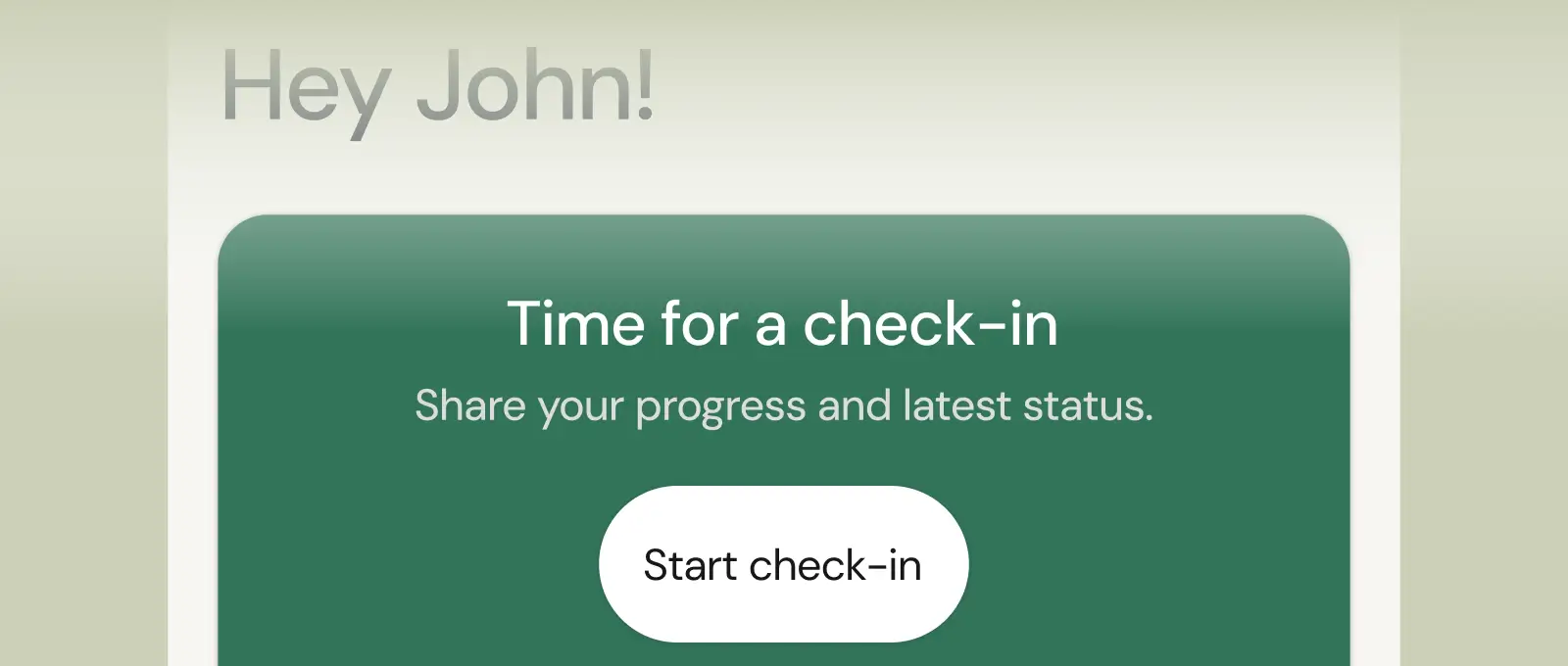
Collect feedback, assess readiness, and stay connected with customizable forms and quick check-ins.
Questions, answered
Can I build my own check-in questions?
Yes - forms are fully customizable. Ask for numbers, photos, scales or open text, and run different forms for different clients: a cut client answers nutrition-adherence questions, a powerlifter reports recovery and RPE. You design the check-in your method requires.
How often should clients check in, and can coachway enforce it?
Weekly is the standard for most online coaches. coachway sends the form automatically on your schedule and can remind clients who have not submitted, so the cadence holds without you personally chasing anyone on a Sunday night.
Where do check-in answers go once submitted?
Onto the client's profile, next to their progress photos, measurements and training log - and into your Power Panel queue for review. You see this week's answers against last month's trend in one view, then reply from the same screen.
How do I set up an onboarding form for new coaching clients in Coachway?
Go to Forms in the sidebar, click + New Form, choose Onboarding Form, add your questions and save it as active. Each question can be text, multiple choice, rating, number or date, and marked required or optional. Clients must complete it on first login before the rest of the app opens, so you always get their baseline data. Duplicate it from the ⋯ menu for another language or client type.
How do I build a weekly check-in form and choose which day it is due?
Go to Forms, click + New Form and pick Check-in Form, then add weight, measurements, progress photos, ratings, open questions or custom metrics. The schedule is not set on the form: under Settings → Account → Check-in defaults you choose the default frequency, period and weekday (standard is every 1 week on Mondays). Override it per client in their Client settings → Forms. Only one check-in form is active per client at a time.
Can clients send an extra check-in between their scheduled ones?
Yes. The scheduled check-in appears automatically on the client's home screen at the frequency you set. Clients can also submit a manual check-in anytime from Profile → New Check-in; it creates a separate entry and does not replace the weekly one. Both arrive in your Inbox as a chat message and on the client's Development tab, where you review, reply and mark them as read.
What is the difference between standard and custom metrics in Coachway?
Standard metrics (weight, body fat %, muscle mass %, circumference measurements and the standard ratings) are built in with their own logic: weight drives the weight chart, goal tracking and progress indicators. For anything else, go to Metrics → + New Metric and set a name, type and unit, for example sleep hours, water intake or visceral fat. Do not create a custom metric called "Weight": the system will not link it to the weight chart or goal tracking.
How do I fix a wrong weight or measurement my client logged?
Open the client's Development page, find the Metrics chart, expand the History table and click the pencil icon on the incorrect entry to edit it. This works for weight, circumference and custom metrics, whether the value came from a check-in or a manual log. Starting weight and goal weight are separate from measurement logs, so correct those in the client info instead.
My client says they did their check-in but I never got it. What happened?
Almost always the client tapped Continue later or closed the app mid-check-in, which saves a draft but sends nothing. They need to reopen the check-in and tap Done on the last step. Also check that the client is Active, not Pending (Pending clients get no check-in flow), that the app is updated and that they were online. You cannot submit a check-in on a client's behalf.
Articles & guides
all guidesHow to Switch from Virtuagym: Exports and Notice Periods
Leaving Virtuagym? See which exports its help center documents, how Virtuagym Pay works and what to do before the notice deadline and portal lock date.
Read the guideHow to Switch from Trainero: Exports and Billing Checks
Leaving Trainero? See which PDFs, Excel reports and API data its docs describe, and what to check on orders and client access before you cancel.
Read the guideHow to Switch from Healthie: Exports and Billing Checks
Leaving Healthie? See which client, chart and payment exports its help center documents, and what to settle before you archive clients or cancel.
Read the guideSee what Coachway can do for your coaching business
Coachway was built on knowledge from working with 150 online coaches over 6+ years, who all hit the same wall - slow platforms, clunky workflows, wasted hours. Start your 14-day free trial and see what we fixed - the whole platform, no charge today, cancel anytime under Billing.


Still reading? Start your own Coachway in minutes. Start in minutes.
Explore Coachway