



Automations
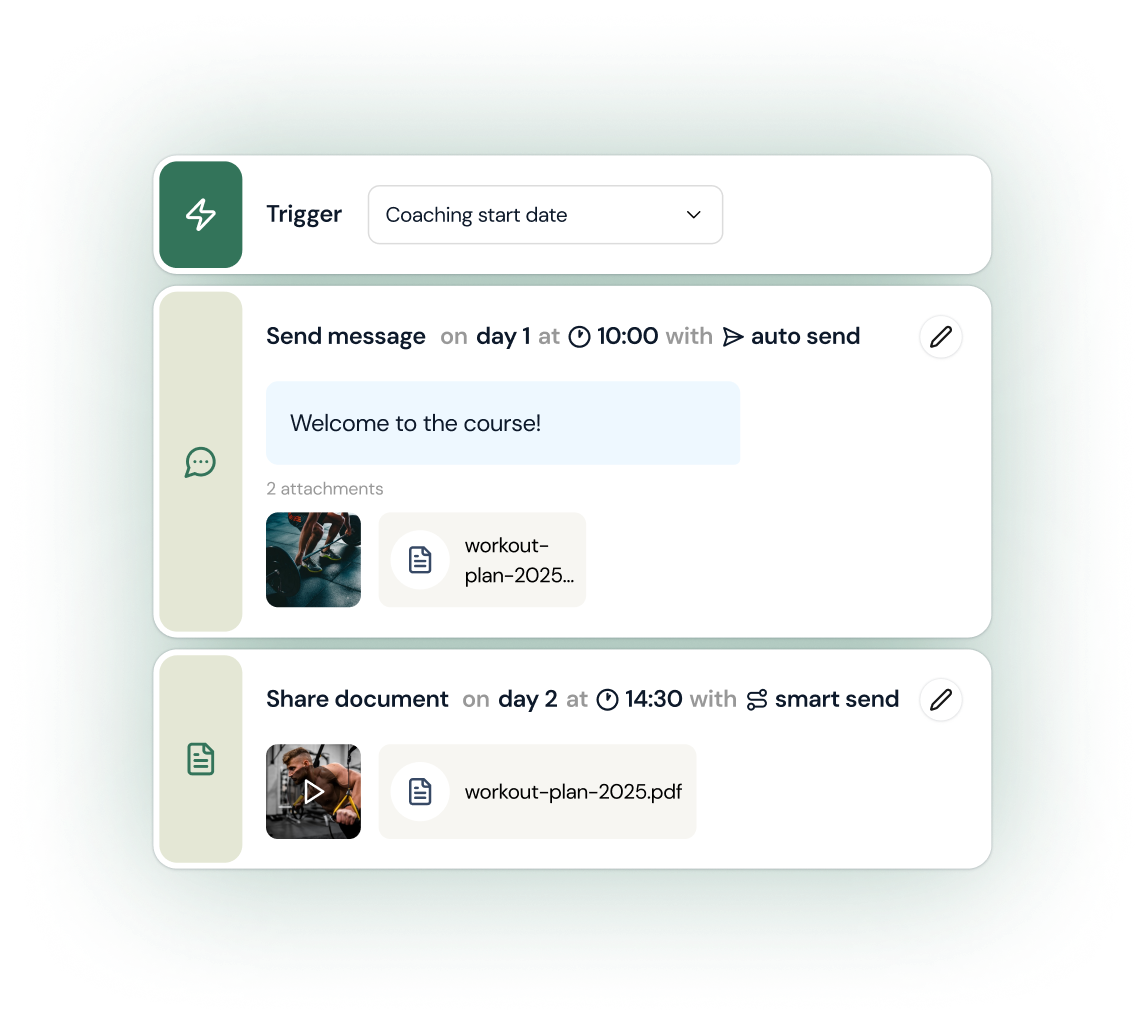
Set a trigger, schedule a message after the client filled out an onboarding form, attach your documents - and let it run. Welcome video on day 1, workout plans on day 2, check-ins on day 7. Build it once, and every new client gets the same seamless experience automatically.
In short
Coaching automations handle the repetitive parts of client management - check-in reminders, drip onboarding sequences and follow-ups - without the coach touching them. coachway lets coaches build these workflows once and run them across every client, so a client list of forty gets the same consistent rhythm as a client list of four.
Build automations with messages, videos, audio, and more
Text message on day 1. Video on day 3. PDF on day 7. Build automations that mix content types, schedule everything down to the hour, and choose how each step gets delivered. One setup, endless consistency.
Automation has never been easier
Build automations that go beyond chat. Add videos, audio recordings, and files to any step. Upload once, schedule it, and let every client get the full experience - automatically.
Keep reading
- how to scale an online coaching business
Where automation fits among the systems that let you take on more clients without adding hours.
- automate lead follow-up and onboarding
The full playbook, from first reply to a client who is fully set up.
Automated workflows
Right content, right clients, right time
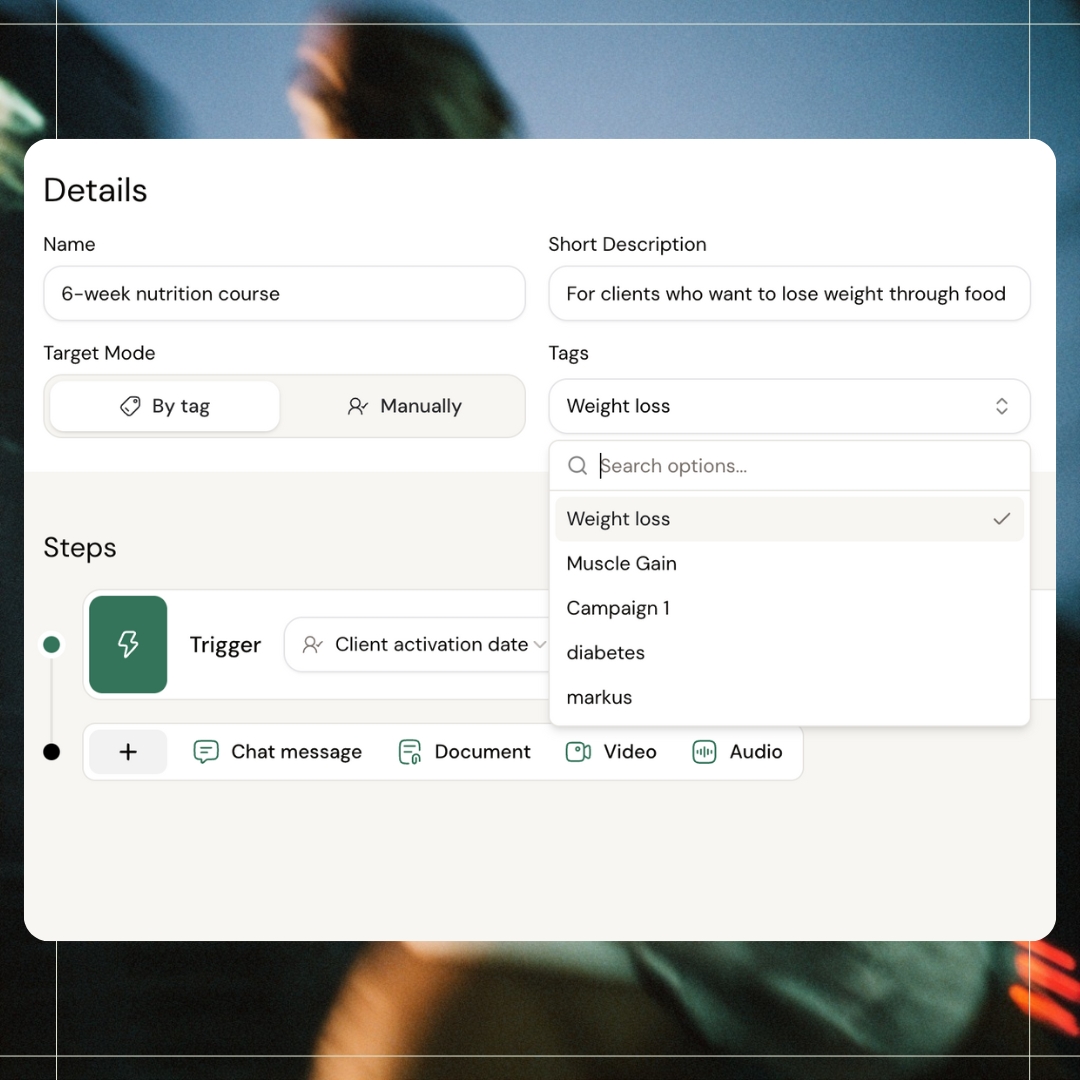
Create automated flows and assign them by tag. Your weight loss clients get the nutrition course, your muscle gain clients get the strength course material - all triggered automatically when they activate. Messages, documents, videos, delivered without you lifting a finger.
Flexible triggers
Pick the perfect starting point
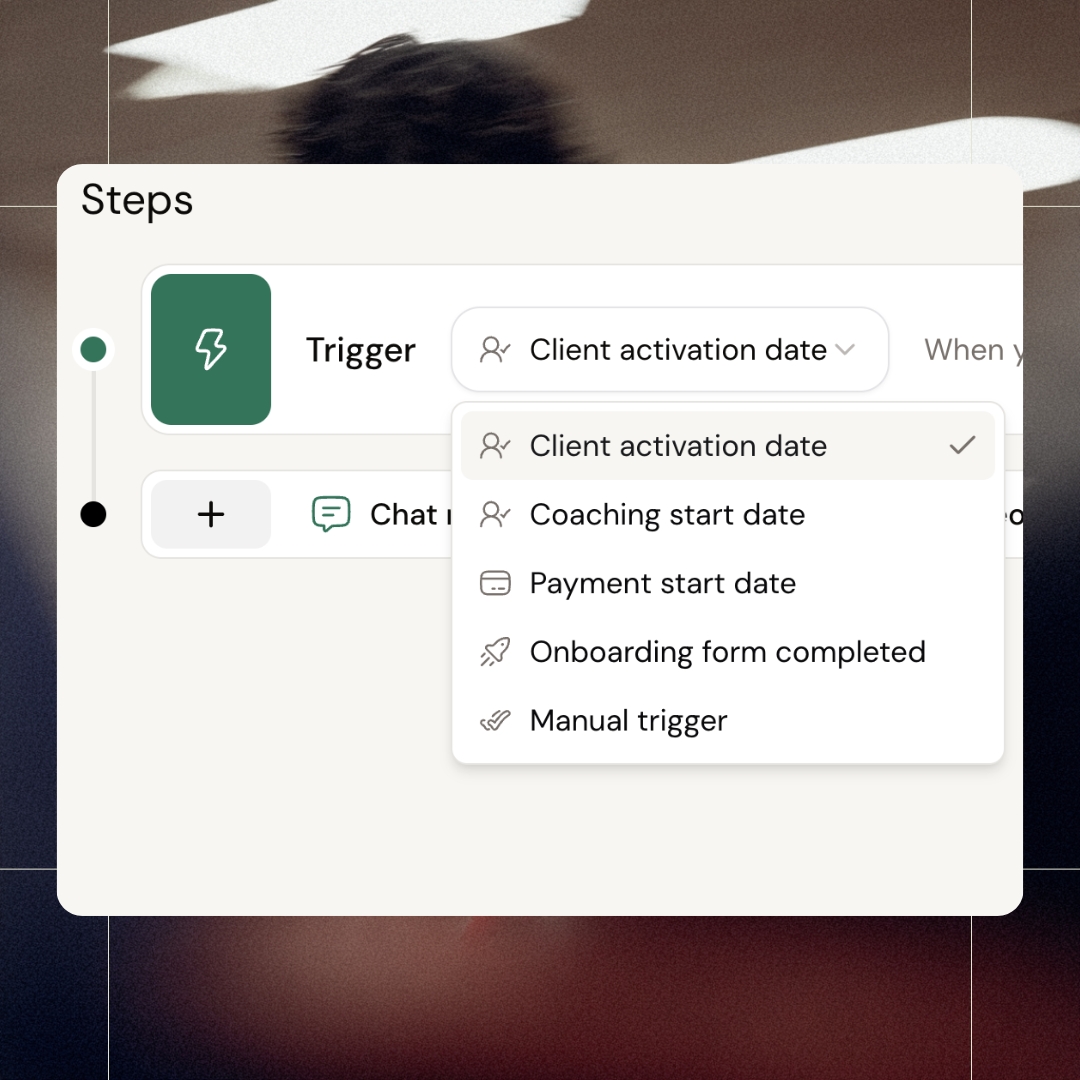
Trigger automations based on activation date, coaching start, payment, or onboarding completion. Need more control? Use manual triggers for special cases. The flow starts exactly when it should - not a moment too early or too late.
Flexible send options
From autopilot to full control
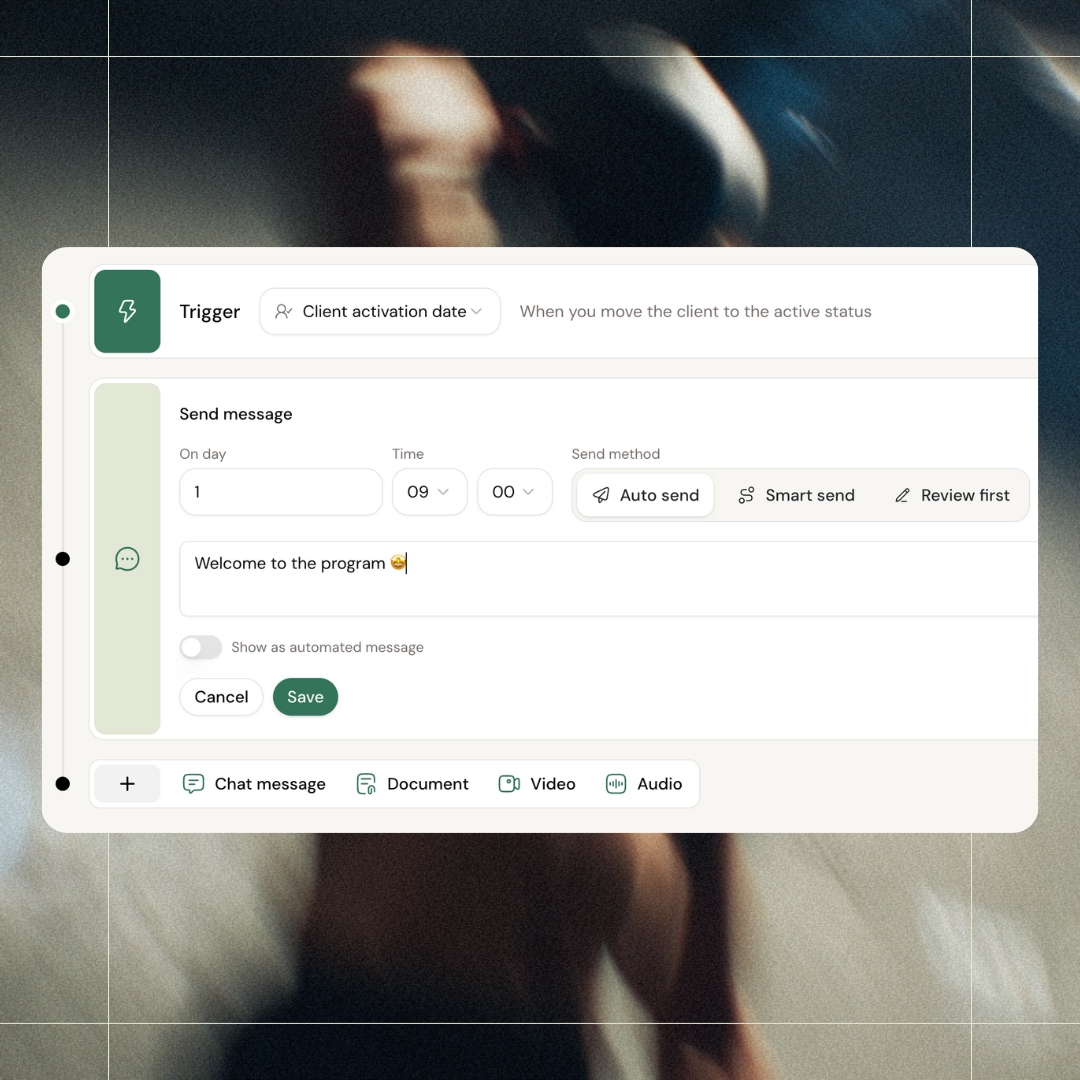
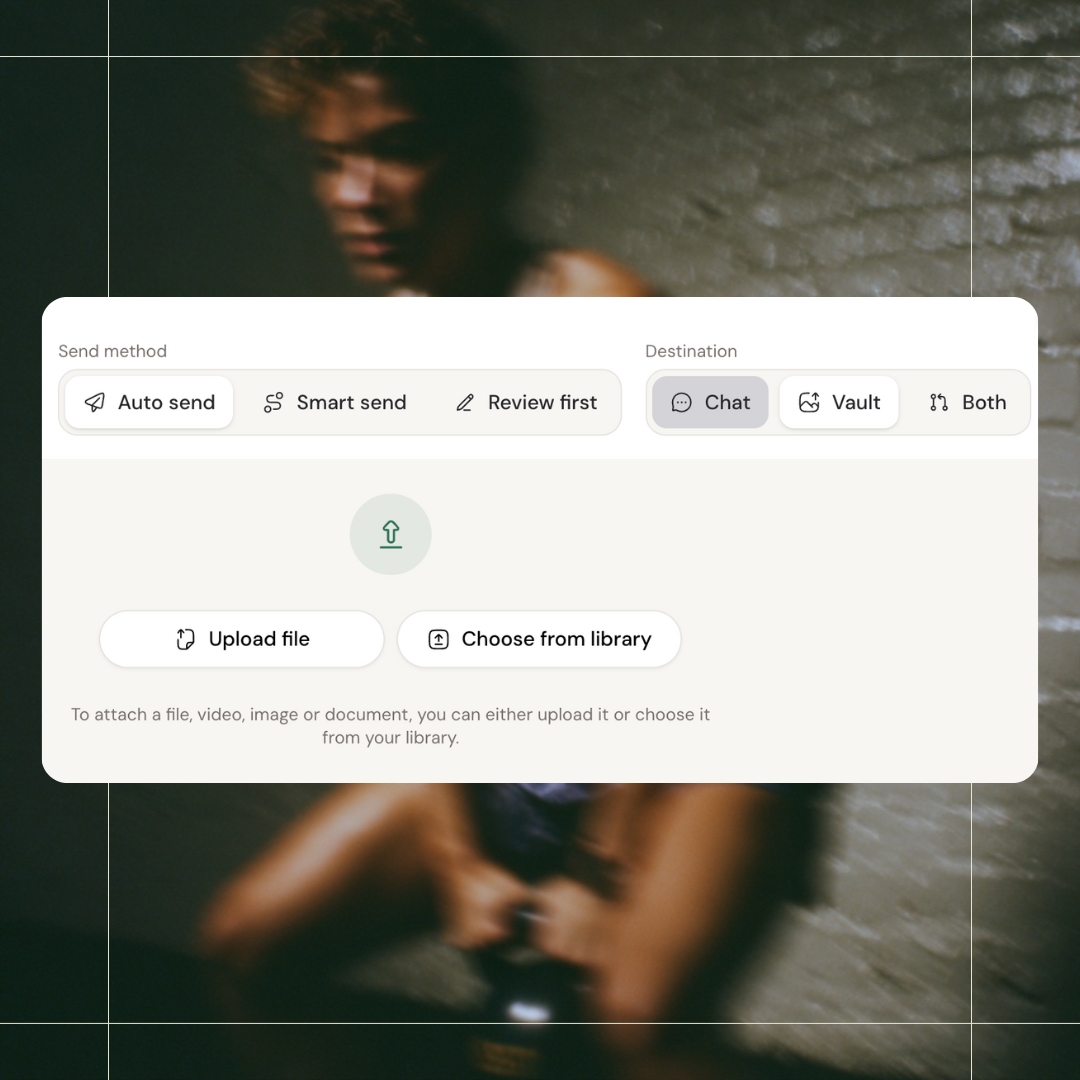
Pick your comfort level. Auto send runs completely hands-off. Smart send pings you to confirm before sending. Review first keeps everything manual - you approve each message yourself.
Flexible destinations
Send to chat, vault, or both
Choose where content lands. Chat for direct messages they'll see right away. Vault for resources they can access anytime. Or both - so they get notified now and can find it later.
All features
See all featuresKeep exploring
Explore more features
Client progress
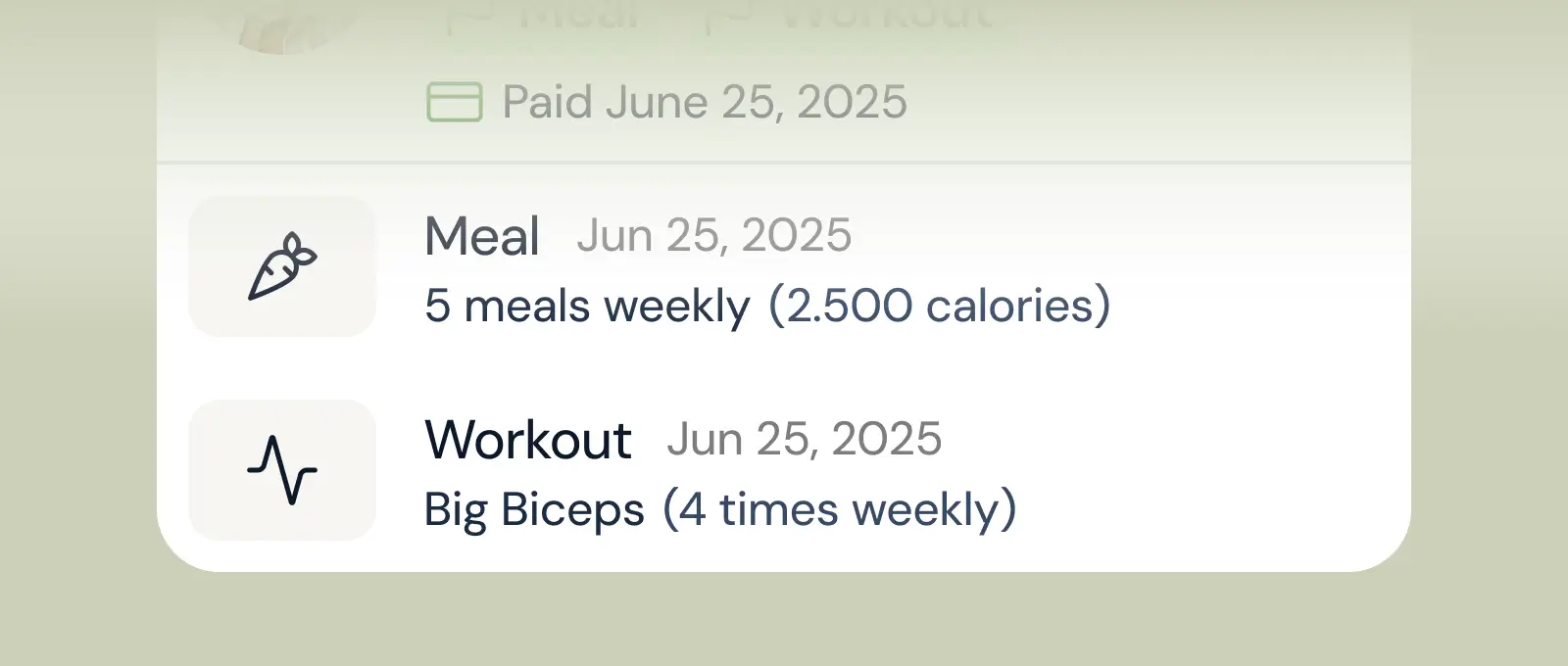
Track workouts, milestones, and personal bests with clear dashboards that show improvement over time.

Meal planner
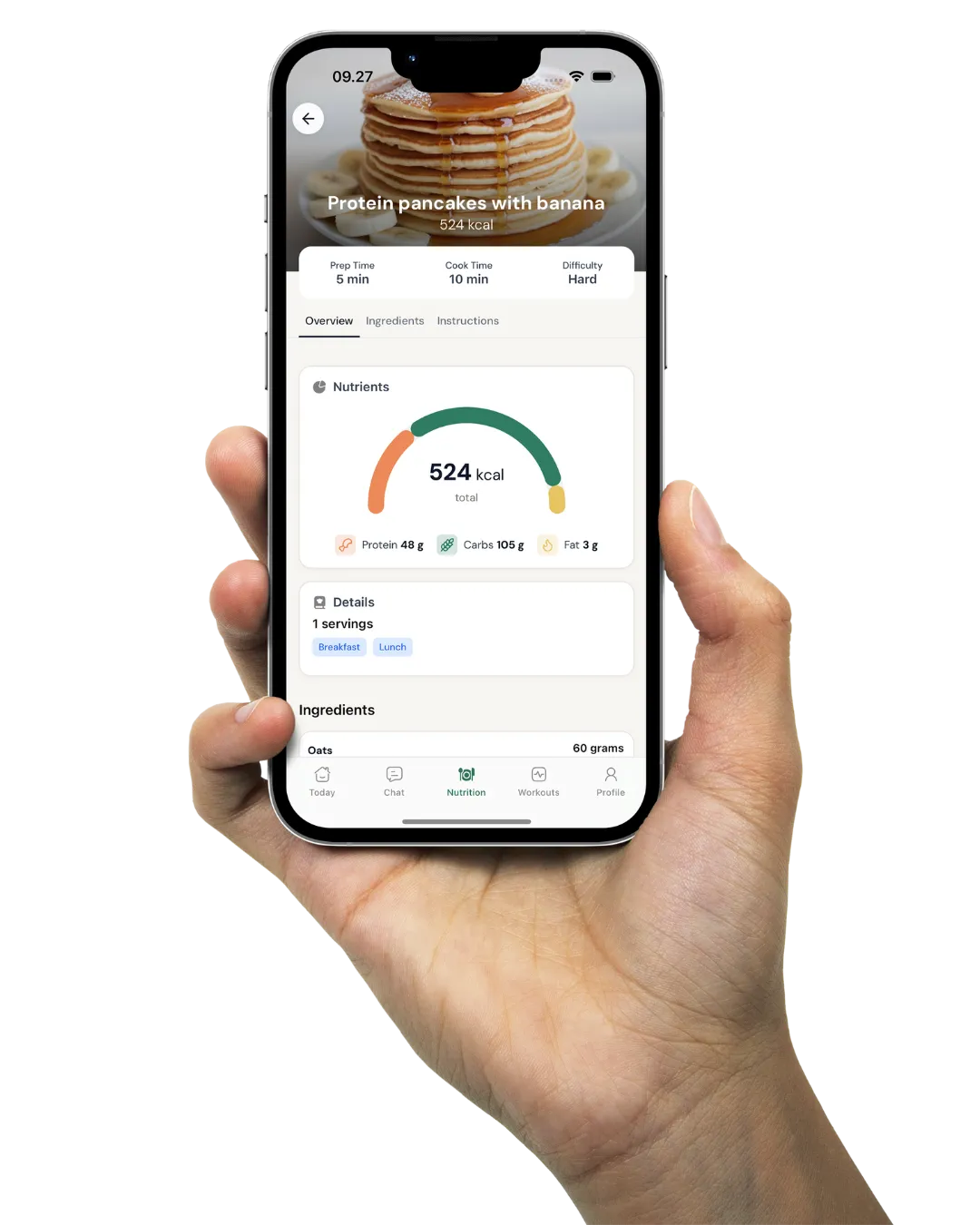
Create tailored nutrition plans that align with client goals, complete with smart suggestions and easy adjustments.
Check-ins & forms
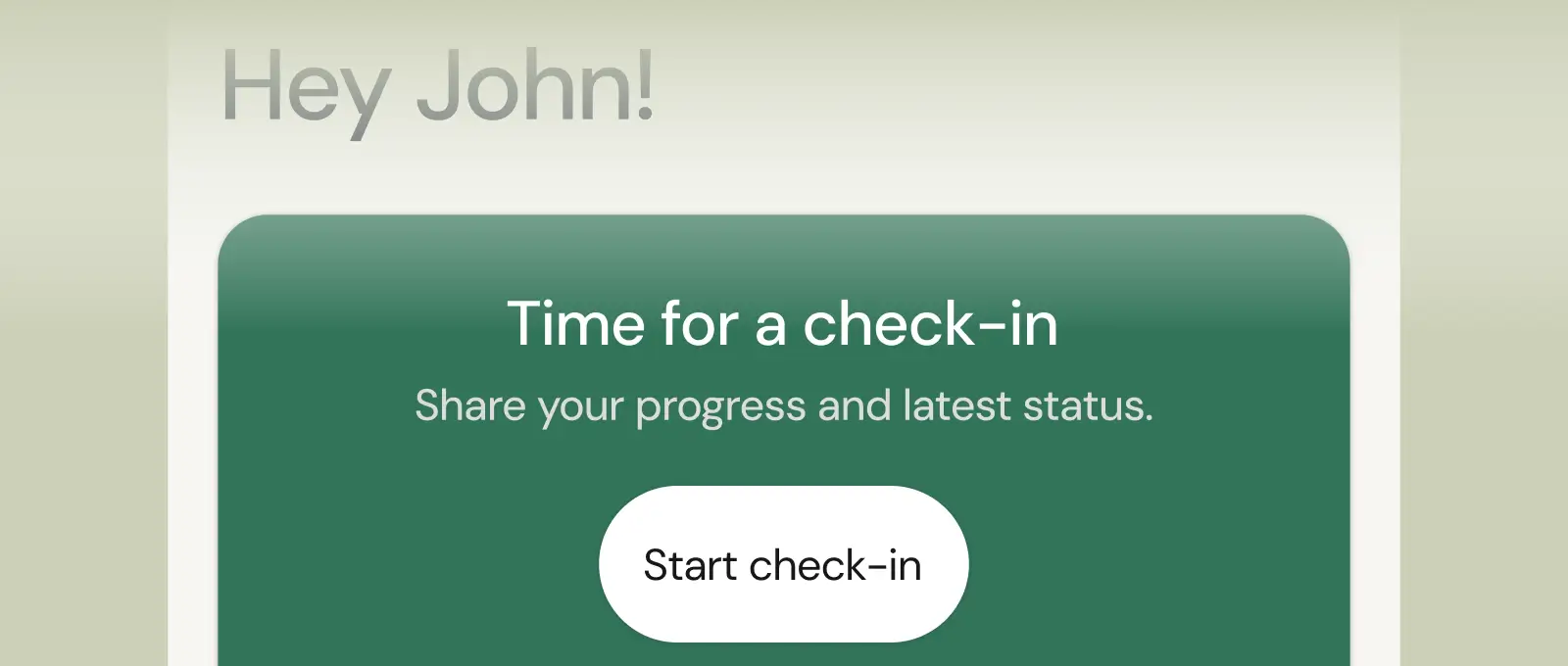
Collect feedback, assess readiness, and stay connected with customizable forms and quick check-ins.
Questions, answered
What can I automate in coachway?
Recurring client touchpoints: check-in form reminders, onboarding message sequences for new clients, and scheduled follow-ups. You set the trigger and timing once, and coachway sends it to each client automatically - so nobody slips through the cracks on a busy week.
Do automated messages feel robotic to clients?
They arrive inside your client app like any other message from you, and you write every word yourself. Most coaches use automations for the predictable rhythm - reminders and onboarding steps - and keep personal replies and video feedback fully manual.
How do automations help when my client list grows?
They remove the ceiling. Manually chasing check-ins works at ten clients and breaks at thirty. With reminders, onboarding and follow-ups automated, your hands-on time goes to coaching decisions and feedback - the work clients actually pay for - instead of admin.
Can coaching automations send videos and PDFs, or assign workout programs?
Automations in coachway send content and communication: text messages to the client's chat, video messages, audio messages, and documents or PDFs delivered to the client's chat, their vault, or both. They cannot assign workout programs or meal plans. You build and assign training and nutrition plans yourself, and let automations handle the messages around them.
What triggers can start an automation for a coaching client?
There are 5 triggers: client activation date, coaching start date, payment start date (when the client's first payment is processed), onboarding form completed, and a manual trigger you fire yourself on a specific client. Each step in the sequence is then set a number of days after that trigger, so Day 1, Day 2, Day 3 and so on.
How do I set up an automated onboarding sequence for new clients?
Go to Automations in the main navigation, click Create automation and choose Timeline Automation or Calendar Automation. Name it, pick your target mode and trigger, then add steps with a delay, an action type (message, video, document) and the content. Choose a send mode and set it to Active. A simple flow: Day 1 welcome message and PDF, Day 2 app walkthrough video, Day 8 first check-in prompt.
Can an automation remind clients to do their check-in?
Yes. Add the reminder as a step in a sequence, set a number of days after the trigger, for example a check-in reminder on Day 4 and a first-week check-in prompt on Day 8. Then pick a send mode: Auto-send goes out on schedule, Smart send blocks the step if the client has an unread message, and Review first lets you approve each message before it sends.
Why did my automation not send to a client?
By default automations follow the client's status. A client has to be Active for steps to run, so steps due while a client is Pending, Paused or Ended are blocked, and steps missed while Pending do not auto-send after activation: you retry, send or skip them yourself. To keep sending to Pending and Paused clients, set Automation Status Sync to Always Send in Settings. Ended clients never receive automation notifications.
Will a new automation reach clients I already have?
Not automatically. Automations run from the moment you activate them, and tags do not trigger them retroactively, so existing clients need it assigned. When you assign it, Start Fresh begins from Day 1, Skip Past Steps skips anything scheduled before today, and Add to Vault Silently puts past content in their vault without notifications. A new step on a day clients have already passed is best sent as a Broadcast.
Articles & guides
all guidesDr. Pak on Minimum Effective Dose: Get Stronger Doing Less (Coach Breakdown)
Dr. Pak's minimum-effective-dose research, broken down for coaches: the least training that still builds strength and muscle, why it is a floor for time-poor clients (not a case for doing less), and how to program it.
Read the guideAlex Bromley on Periodization: Match the Program to the Training Age (Coach Breakdown)
Alex Bromley's framework for running every program model - linear progression, undulating/wave loading and block periodization - broken down for coaches: how to match the model to a client's training age.
Read the guideDr. Mike Israetel on Training to Failure: How Close Should Clients Train (Coach Breakdown)
Dr. Mike Israetel's case for training close to failure, broken down for coaches: why most sets belong a rep or two shy of failure, and how to prescribe effort per set with reps in reserve across a client list.
Read the guideSee what Coachway can do for your coaching business
Coachway was built on knowledge from working with 150 online coaches over 6+ years, who all hit the same wall - slow platforms, clunky workflows, wasted hours. Start your 14-day free trial and see what we fixed - the whole platform, no charge today, cancel anytime under Billing.


Still reading? Start your own Coachway in minutes. Start in minutes.
Explore Coachway