



Client Progress
Track weekly check-ins, measure weight progress, compare progress photos, and monitor workout completion rates. Identify struggling clients early and celebrate wins in real-time.
In short
Client progress tracking collects photos, body measurements, weight and training PRs in one timeline so both coach and client can see change over time. coachway logs all of it inside the client app automatically as clients train and check in, turning scattered screenshots and spreadsheets into a single visual record.
Ask the right questions. Track what matters.
Design personalized weekly forms for different client needs - weight loss, strength gains, habit building, energy optimization. Set individual goals, review responses in one dashboard, and track trends automatically. Scale your coaching without sacrificing connection.
Track client progress instantly, skip the scroll
Track your clients' full workout history with ease. Compare sets, reps, and weights across sessions instantly - no more digging through chat logs to find what they lifted last week.
Keep reading
- retaining online coaching clients
How visible progress keeps clients around, and which charts they actually look at.
- client progress pictures and photo tracking
Getting usable progress photos, and what to do with them once you have them.
Custom Ratings
Track what matters - for each client
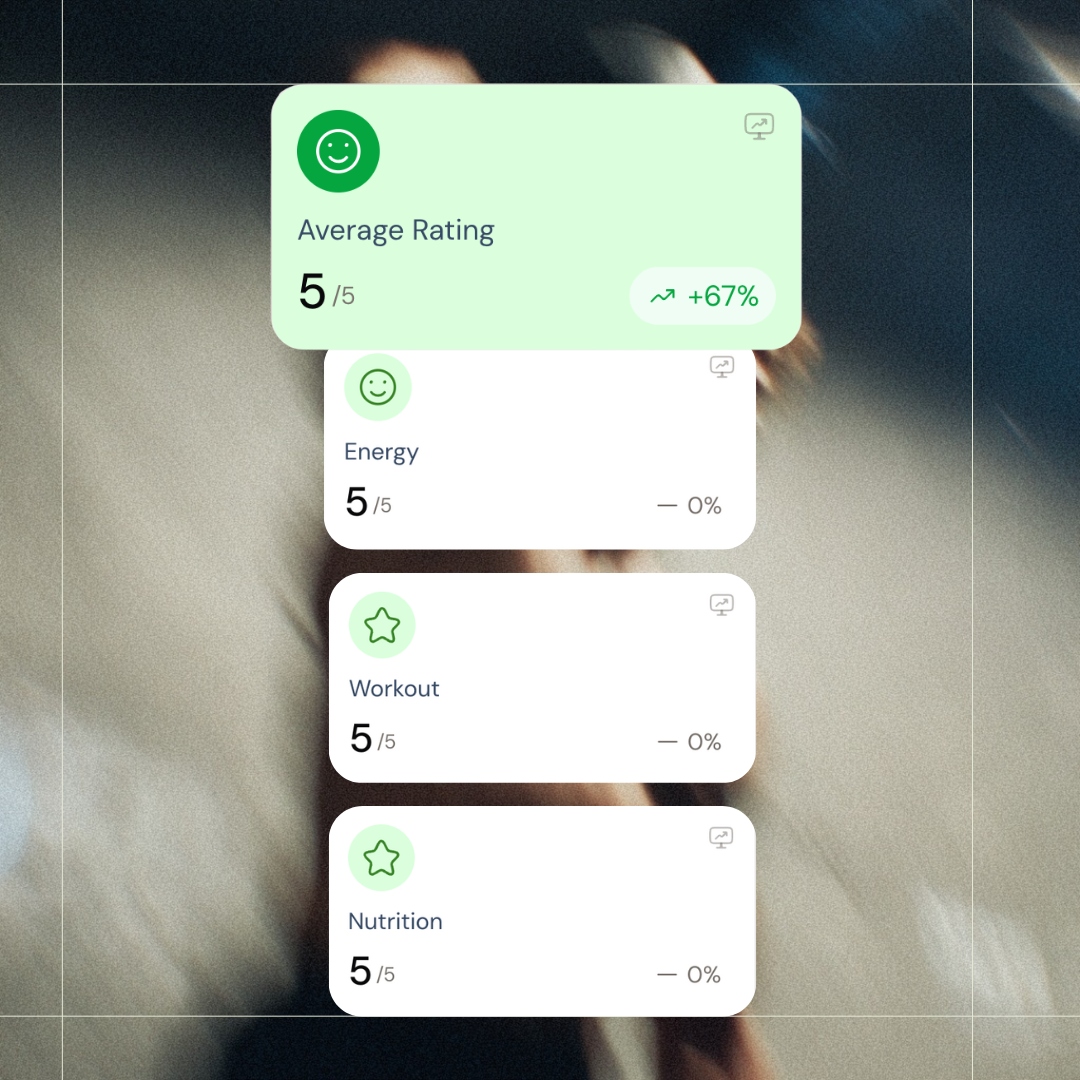
These ratings come straight from your check-in forms - which are fully customizable. Track energy, nutrition, workouts, sleep, stress, motivation - whatever matters for each client. Set up your own metrics, ask the right questions, and see the trends automatically. Your coaching style, their progress, tracked exactly how you want.
Progress Overview
Progress that actually means something
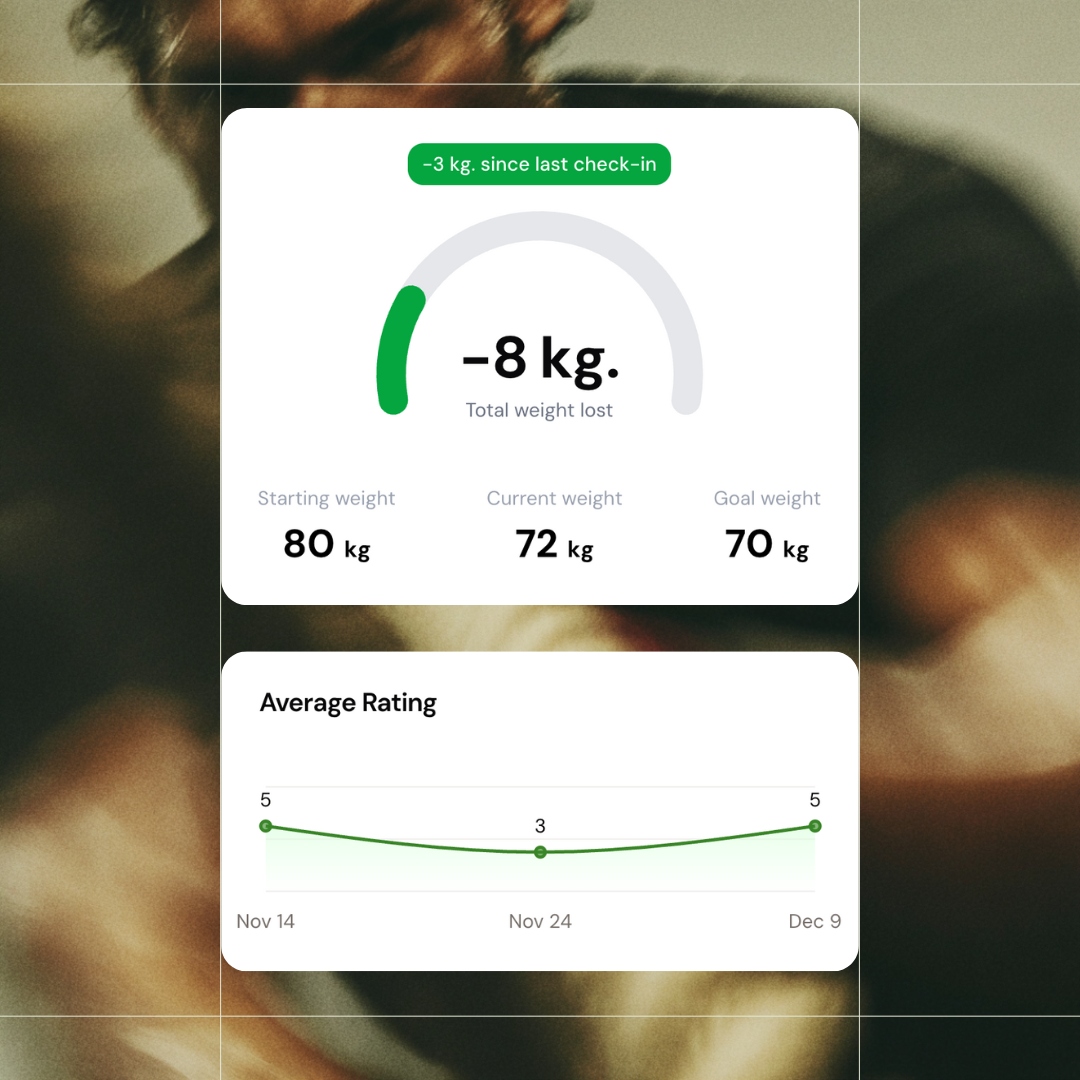
Starting weight, current weight, goal weight - all visible at a glance. See total progress and change since last check-in. The average rating graph below shows how they're feeling alongside the numbers. Because weight alone doesn't tell the whole story.
Activity & Responses
Data meets context
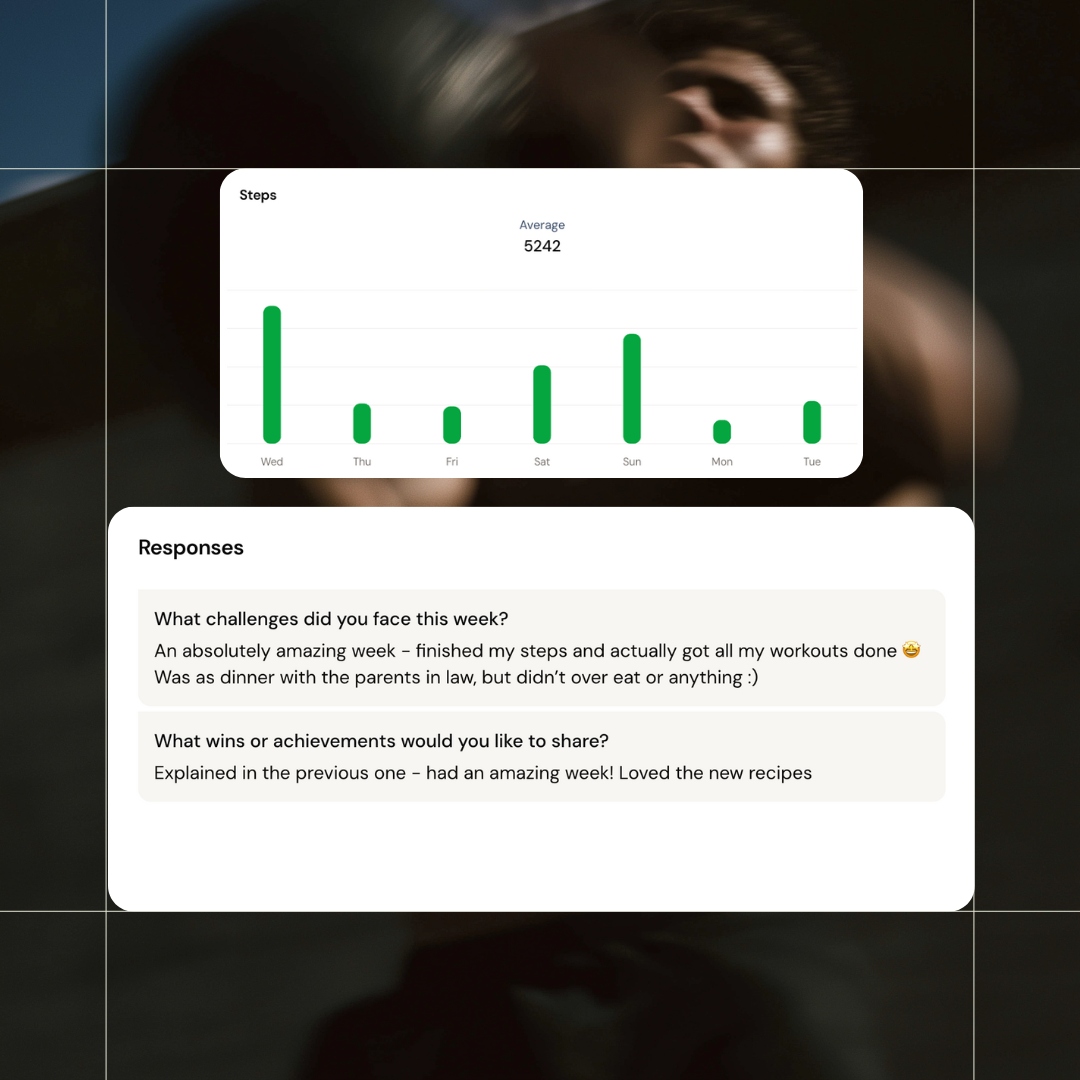
Clients connect the app to their phone's health tracker - iPhone or Android - and steps, activity, and more sync automatically. No manual logging. Add any text-based questions to your check-in forms to capture challenges, wins, and reflections. Activity data pulls itself in, their words add the context.
Date Filtering
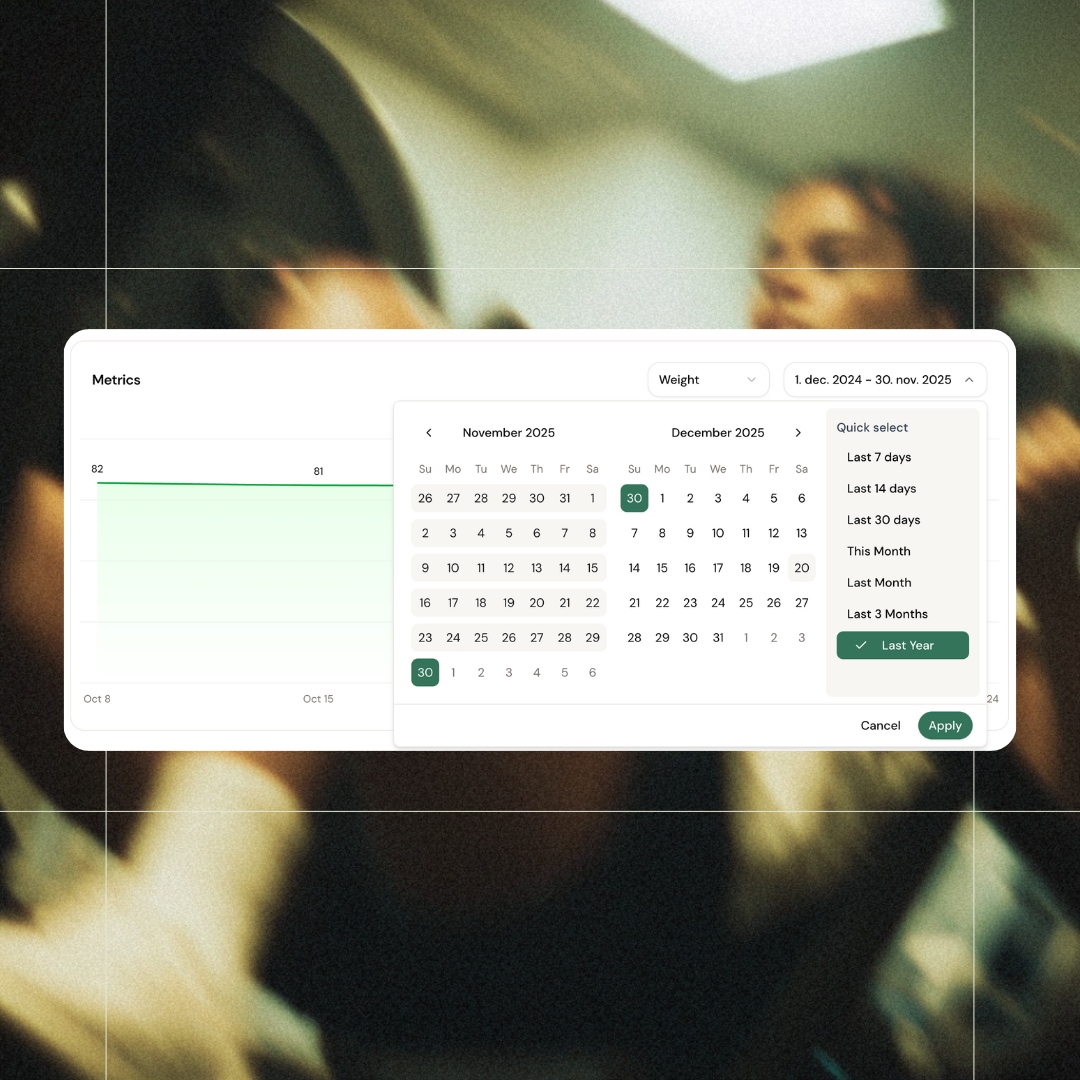
Zoom in on any time period
View metrics from the last 7 days, last month, last 3 months, or the full year. Need a custom range? Pick exact dates. Quick presets for fast checks, full flexibility when you need to dig deeper. See progress over any timeframe that matters.
Track Anything
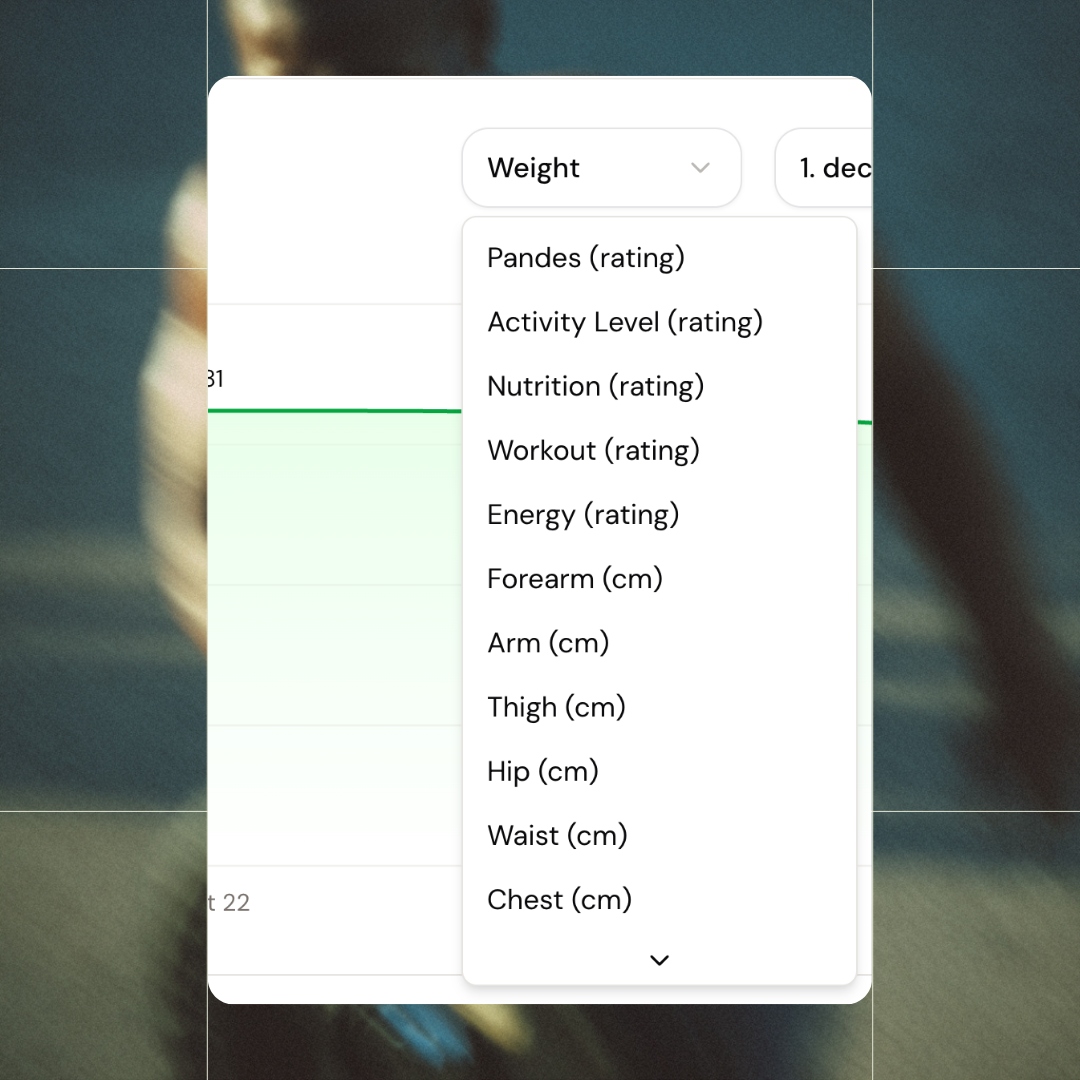
Every metric, one dropdown
Every metric your client logs is available to view. Weight for the scale-focused. Waist, hip, chest, thigh, arm for the measurement-minded. Energy, nutrition, workout ratings for the big picture. Switch between them in one click.
Circumference Tracking
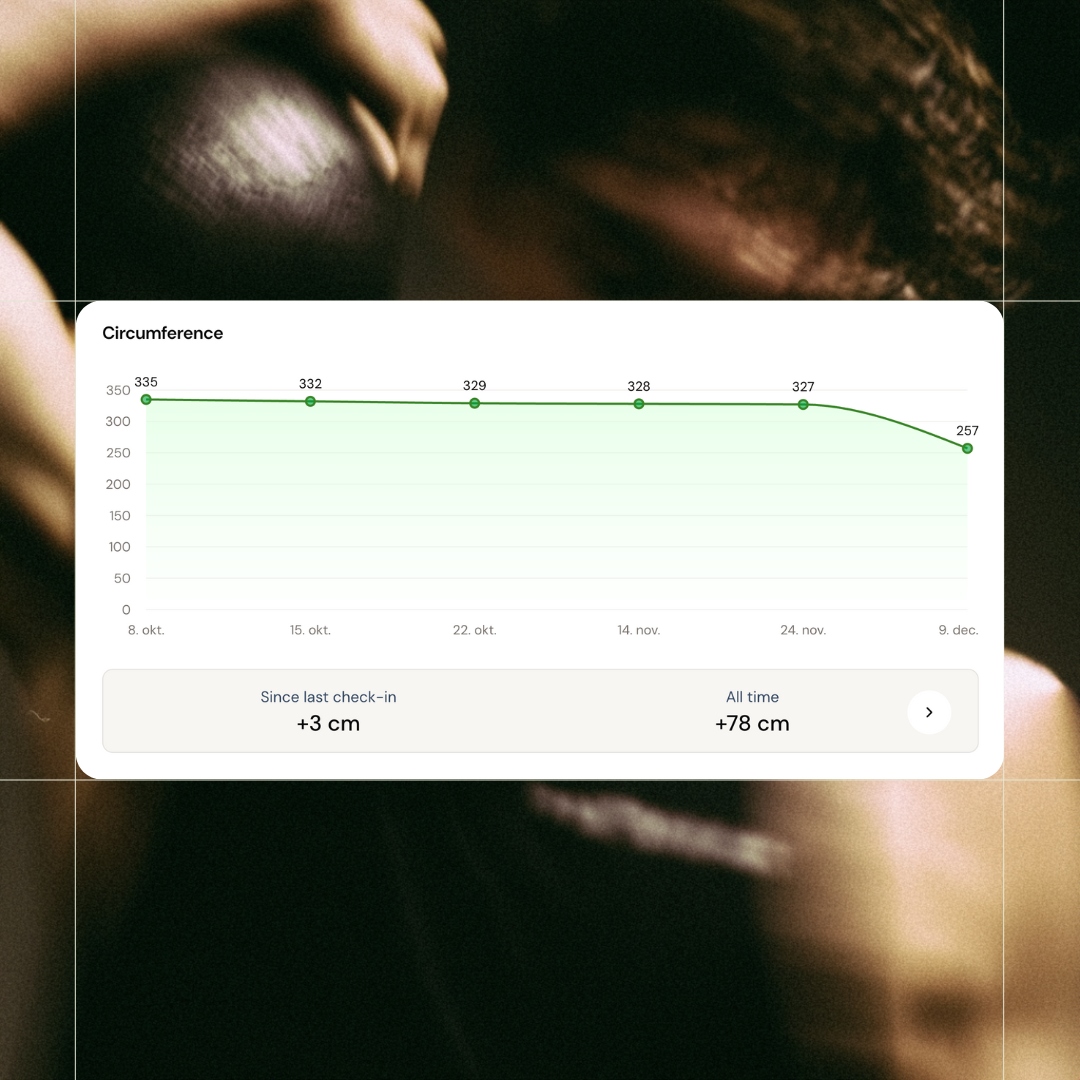
When the scale lies, measurements don't
Weight stuck but waist down 3 cm? Now you can show it. Track circumference over time with graphs that visualize real body composition changes. Since last check-in and all-time progress, visible instantly. The proof your clients need when the scale isn't moving. And you get to decide which body parts you want to track through your custom check-in form.
Workout History
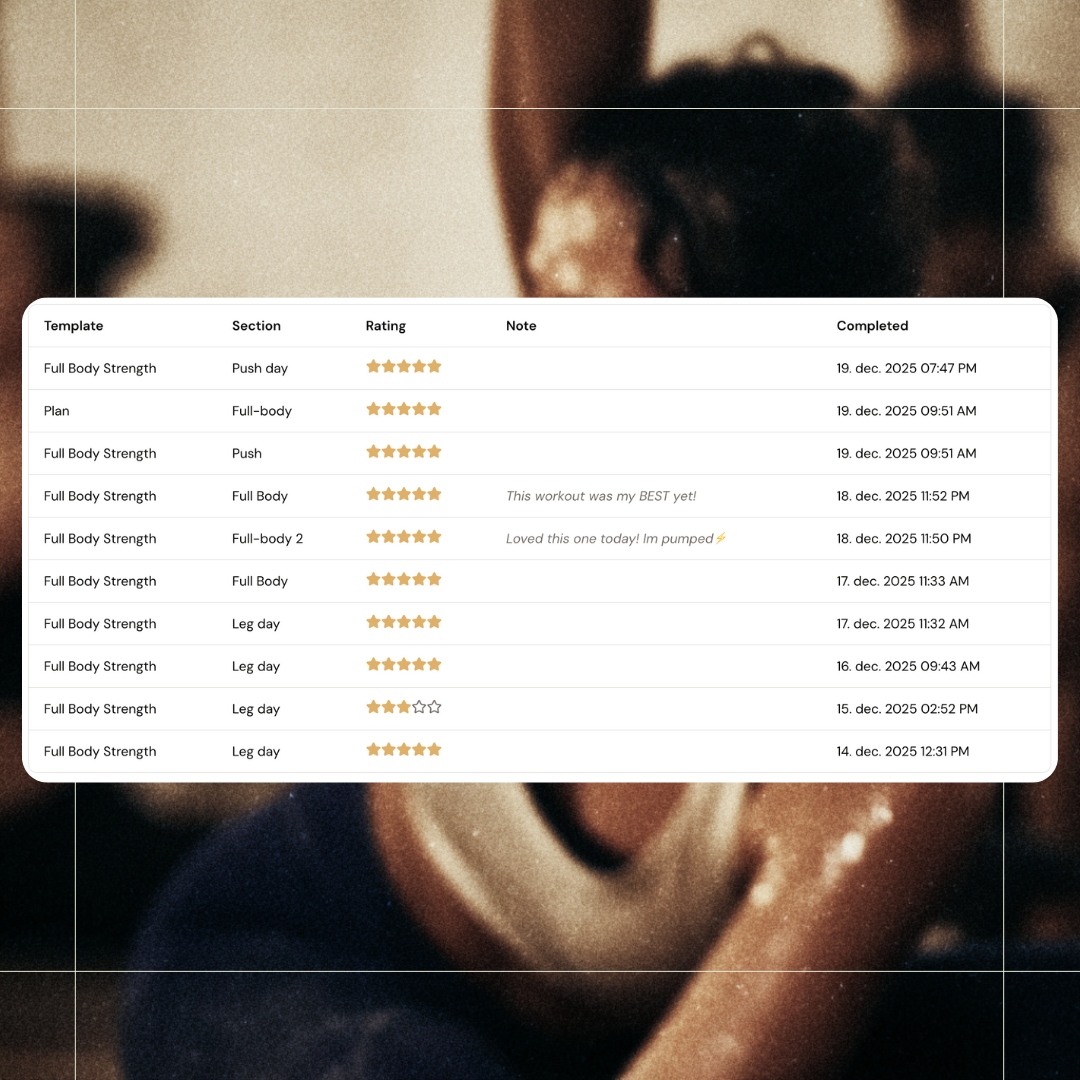
Every session, tracked and rated
Every completed workout logged with template name, session, rating, notes, and timestamp. See "This workout was my BEST yet!" next to a 5-star rating. Know exactly what they've been doing, how it felt, and when. No more guessing or digging through messages.
All features
See all featuresFlexible check-ins, built around your clients
You control what clients see. Hide weight from their app if it's not helpful for them, choose which photo angles to request, and toggle data points on or off. Every client is different - now your check-ins can be too.
Keep exploring
Explore more features
Client progress
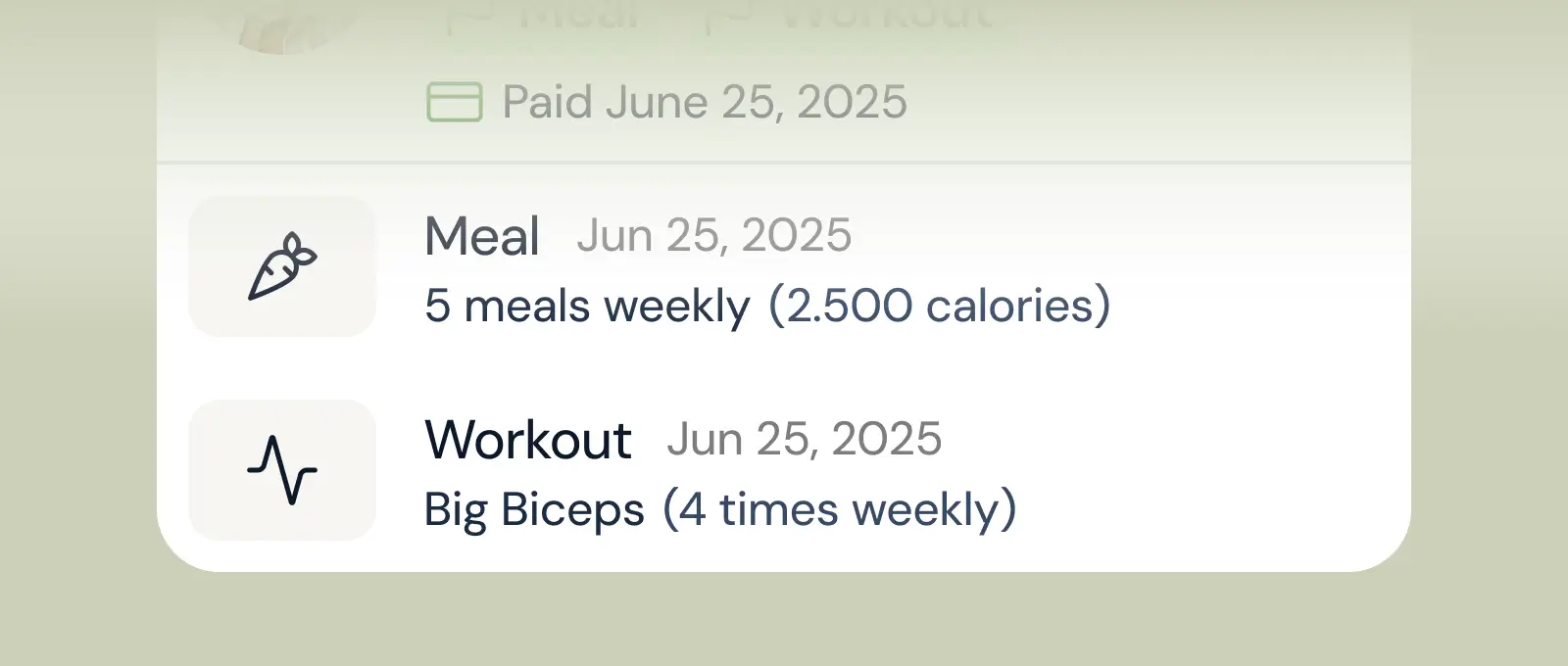
Track workouts, milestones, and personal bests with clear dashboards that show improvement over time.

Meal planner
Create tailored nutrition plans that align with client goals, complete with smart suggestions and easy adjustments.
Check-ins & forms
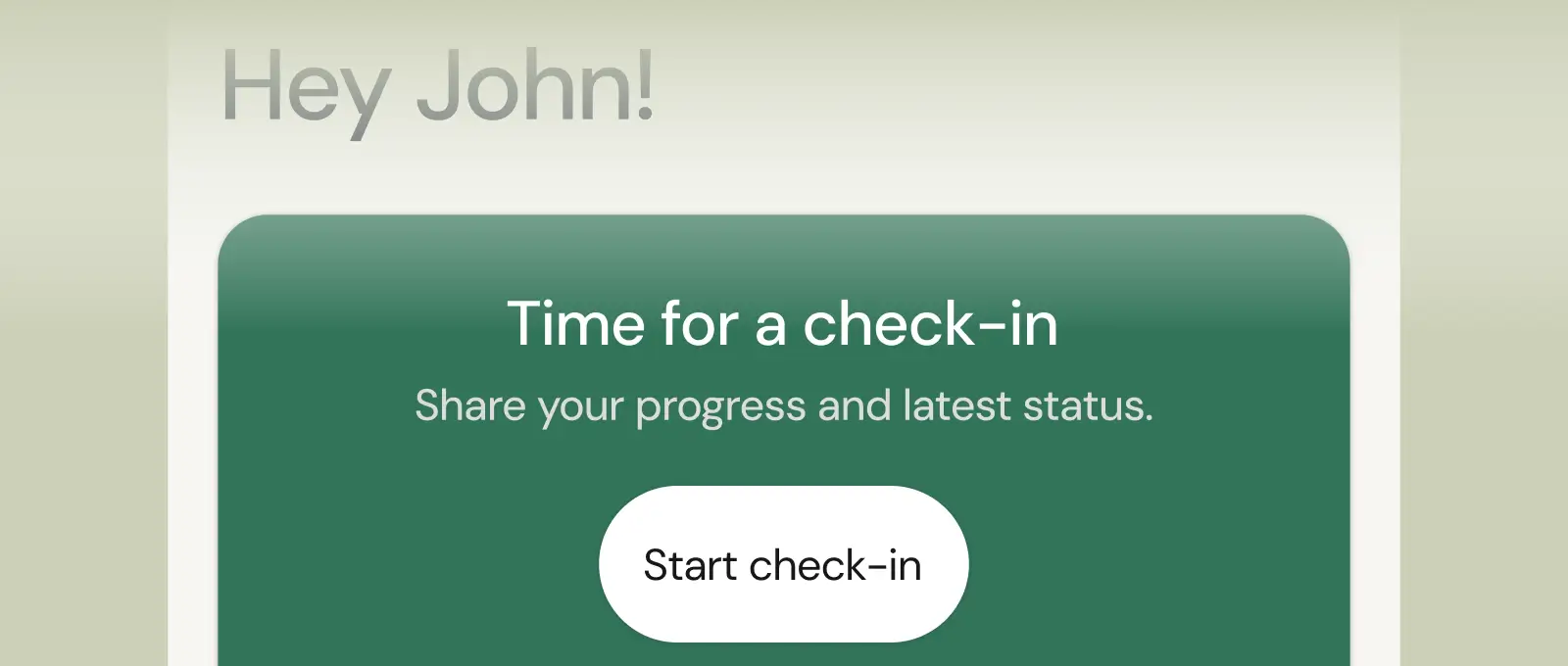
Collect feedback, assess readiness, and stay connected with customizable forms and quick check-ins.
Questions, answered
What progress data does coachway track?
Progress photos, body weight, circumference measurements, training performance and PRs, plus anything you ask for in check-in forms - sleep, energy, adherence. It all lands on one client timeline, so you review the full picture before every check-in reply.
How do clients upload progress photos?
Directly in the app, usually as part of their scheduled check-in. Photos sit on the client's private timeline next to their measurements and training data - no more digging through camera rolls or chat threads to compare week 1 with week 12.
Why does visible progress tracking improve retention?
Clients quit when they stop noticing change. A timeline of photos, measurements and PRs makes slow progress undeniable - and gives you concrete evidence to point to in check-ins when motivation dips. Coaches consistently find it their strongest retention tool.
Where do I see a client's check-ins, measurements and progress in Coachway?
Open the client's Development page. The latest check-in sits at the top (click Mark as read once reviewed), then rating cards showing change since the last check-in, the client's written answers, goal progress with starting, current and goal weight, charts for weight, circumference and custom metrics, and recent sessions and activities. Measurements arrive from check-in forms, from clients logging in the app, and from you, including backdated entries.
How do I fix a client's wrong weight or measurement in Coachway?
On the client's Development page, pick the metric in the Metrics chart dropdown, expand the measurement history table and click the pencil icon to edit or the trash icon to delete (deletions cannot be undone). The Circumference card is read-only. Starting and goal weight are stored separately, so fixing a log does not change them: update Initial weight and Goal weight under the client's Info, Activity & Dietary Information.
Where do progress photos show up for my client and for me in Coachway?
Clients add photos through image fields in your onboarding or check-in form, or from Profile > Add measurement in the app. They see check-in photos under Profile > Latest check-in > Check-in history; onboarding photos and photos uploaded outside a check-in are visible only to you. You see every photo on the client's profile and can compare two dates side by side. Coaches cannot upload photos on a client's behalf.
What do clients see on their progress screen in the Coachway app?
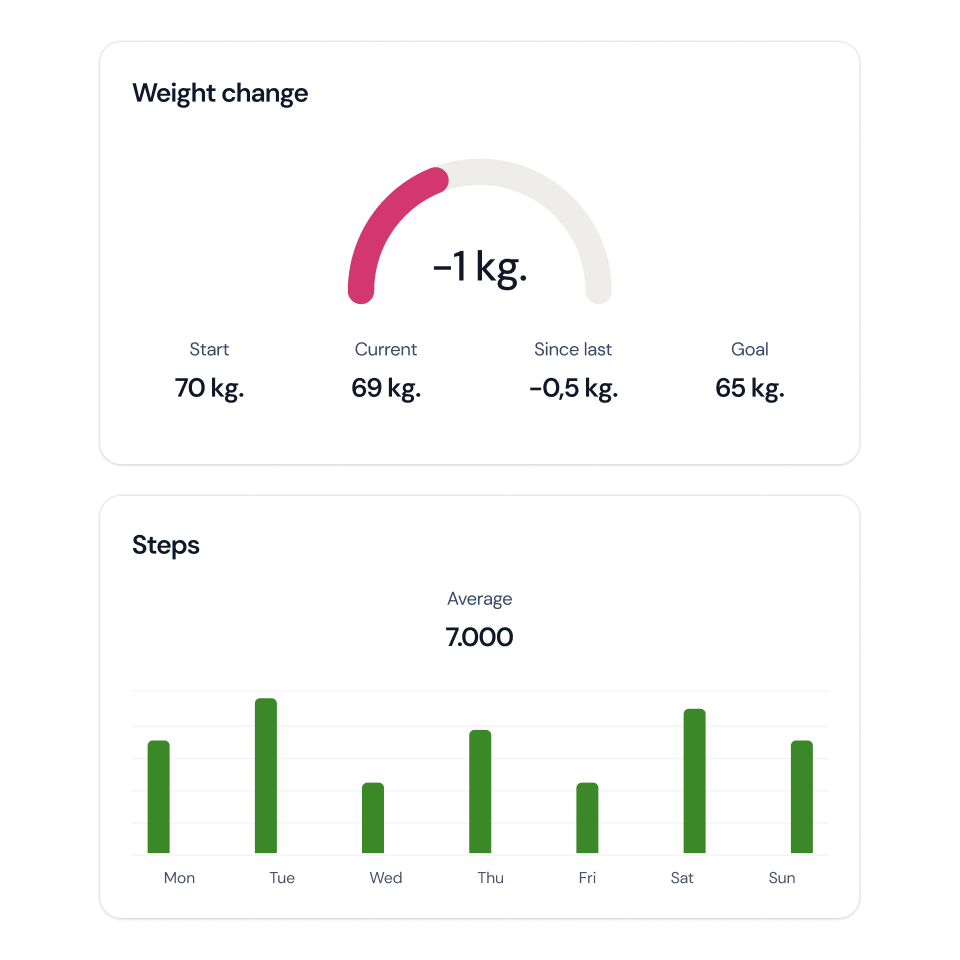
Three cards: Weight (current weight, change so far, starting and goal weight with a progress bar), Body composition (body fat percentage and measurements; tapping it shows each measurement's change since the previous log) and Steps (today against the daily target plus the last seven days). Recent workouts and activities sit below. You can hide the weight chart for clients where weight tracking is not helpful, and custom measurements appear once tracked.
Can clients sync Garmin, Apple Watch or Fitbit to Coachway?
Yes, through the phone's health platform rather than a direct connection. Steps and activities sync from Apple Health on iPhone (Apple Watch data flows there automatically) and Health Connect on Android, so Garmin works once Garmin Connect shares data to either. Fitbit works on Android via Health Connect; Fitbit does not sync to Apple Health, so iPhone users would need a third-party bridge Fitbit does not officially support. Weight does not sync; clients log it themselves.
Why don't my client's steps in Coachway match their watch?
Usually one of three things. Coachway pulls steps when the app syncs, so the client should open the watch app first, then tap Sync now under Profile > Integrations. Phone and watch may both be counting, so move the watch app to the top of the step data sources in Health Connect or the iPhone Health app. And a manually edited day keeps the typed number. Gaps of a few hundred steps are normal.
Articles & guides
all guidesSohee Lee: Sustainable Fat Loss and Client Adherence (Coach Breakdown)
Sohee Lee's video on setting up fat-loss dieting numbers, broken down for coaches: why adherence beats the perfect plan, and the habit-tracking and weekly check-in systems that make it stick.
Read the guideHouse of Hypertrophy: Unilateral vs Bilateral Training (Coach Breakdown)
House of Hypertrophy's unilateral vs bilateral evidence review, broken down for coaches: why neither wins for growth, and when to program single-limb work for a client.
Read the guideMilo Wolf on Exercise Selection for Hypertrophy (Coach Breakdown)
Dr. Milo Wolf's science-based exercise selection, broken down for coaches: why loading a muscle at long lengths matters, and how to choose exercises for a client list with a repeatable filter.
Read the guideSee what Coachway can do for your coaching business
Coachway was built on knowledge from working with 150 online coaches over 6+ years, who all hit the same wall - slow platforms, clunky workflows, wasted hours. Start your 14-day free trial and see what we fixed - the whole platform, no charge today, cancel anytime under Billing.


Still reading? Start your own Coachway in minutes. Start in minutes.
Explore Coachway