What shipped this week
Ten improvements, one Friday release
Ordered by impact - the checkout redesign leads, quality-of-life fixes close. Each card is the full note for that feature, no separate "read more" required.
01 Payments
Offer text and redesigned checkout
A signed, timestamped acceptance step built into the checkout flow.
We rebuilt the checkout so that what a client is signing up for is unmistakable. A dedicated acceptance step surfaces the subscription terms, the plan details, and any custom offer text you define - then captures the client's explicit agreement with their IP address and a timestamp. If a payment dispute ever surfaces, the proof is already on file. The visual layer also got a premium refresh, which does real work for trust and completion rate.
02 Payments
Klarna, SEPA, and expanded methods
More ways to pay, fewer reasons to drop off at checkout.
New payment links now support Klarna, SEPA Direct Debit, and additional methods at checkout. More options means less friction for international clients and better conversion across the board. Active for all new payment links going forward.
03 Payments
Send a link to update the card
Clients change their own card in one step - no plan cancellation, no re-adding.
Before, swapping a client's card meant cancelling their plan and recreating it. Now you send them a direct link - they open it, update the card, and the subscription keeps running. Less friction for them, less admin for you.
04 Client experience
Check-in photo redesign
Comparisons that remember your flow and scroll through progression.
Photo comparisons now default to the starting picture (still editable at any time), remember your last pick for next time, and let you scroll through every check-in photo to quickly review progression. A small thing that compounds across hundreds of check-ins.
05 Training
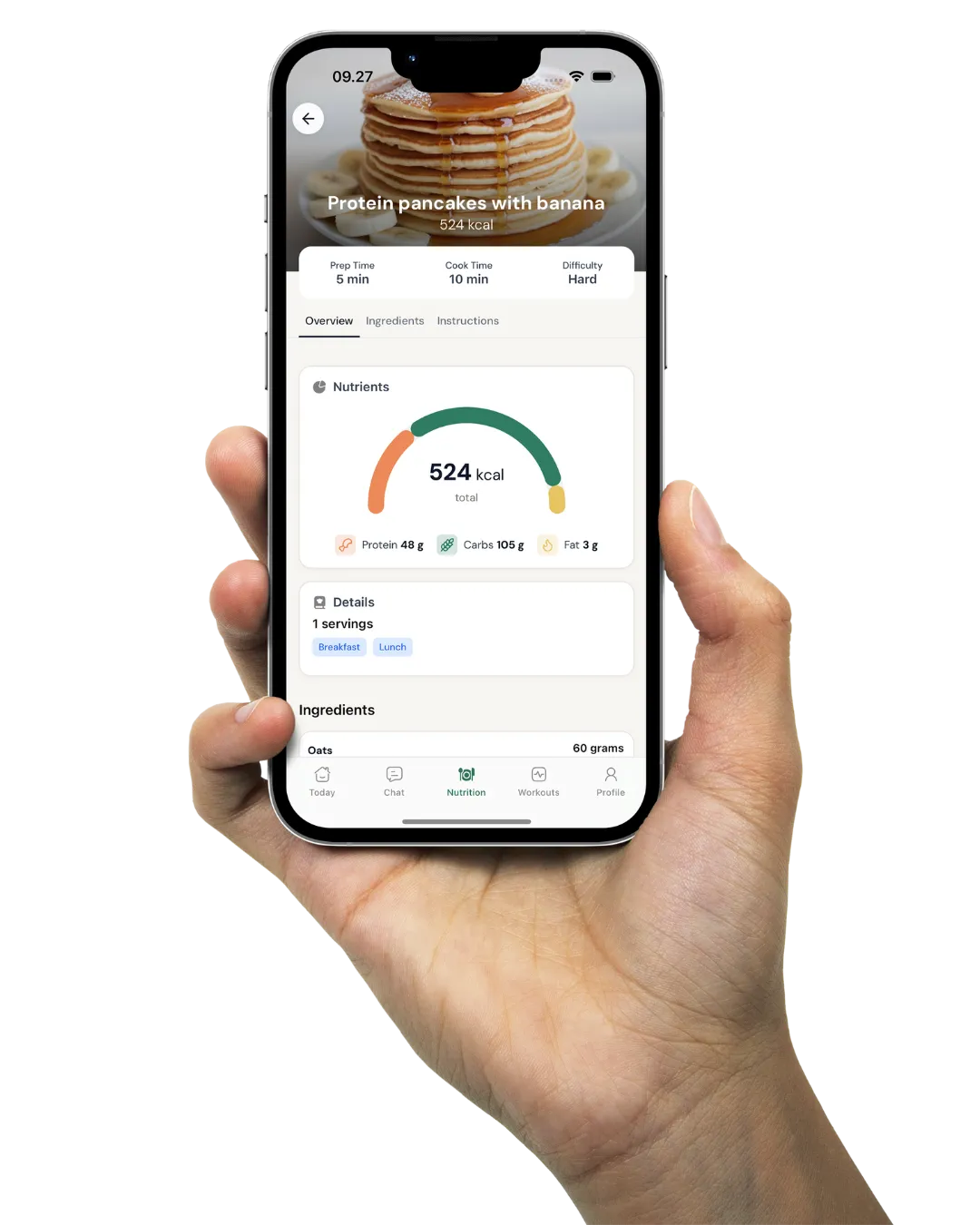
Per-ingredient macros
Macros surface at both the recipe and ingredient level.
Nutrition planning is now fully transparent. See macros for an entire recipe alongside each individual ingredient's contribution, so you know exactly where the numbers come from when you're building a plan.
06 Training
Workout notes at any length
No truncation, regardless of how detailed the note is.
Clients can now view their full workout notes no matter the length. If you write detailed context - coaching cues, progression notes, mindset reminders - it all renders, all the time.
07 Client experience
App access retained through plan changes
Pausing a plan no longer revokes the client's app login.
Cancelling a payment plan to make a quick backend adjustment used to log the client out of the app. That is no longer the case - app access stays intact while you handle whatever needs handling on your side.
08 Coach tooling
Customizable system metrics
Filter and edit predefined metrics to match your exact methodology.
Full flexibility on the predefined metrics. Filter out what you don't use, rename, adjust defaults - make the platform fit your coaching practice rather than the other way around.
09 Coach tooling
Full onboarding form history
Every past submission is retained and viewable.
Returning clients bring their whole context with them. Every past onboarding form submission is retained, so when a client comes back after a pause you can see exactly where they started and pick up from there without a re-intake.
10 Coach tooling
Delete metrics
Remove unused metrics to keep your library clean.
A small quality-of-life control: metrics you no longer track can now be removed entirely, keeping your workspace focused on the things you actually measure.